Content Production Cameras
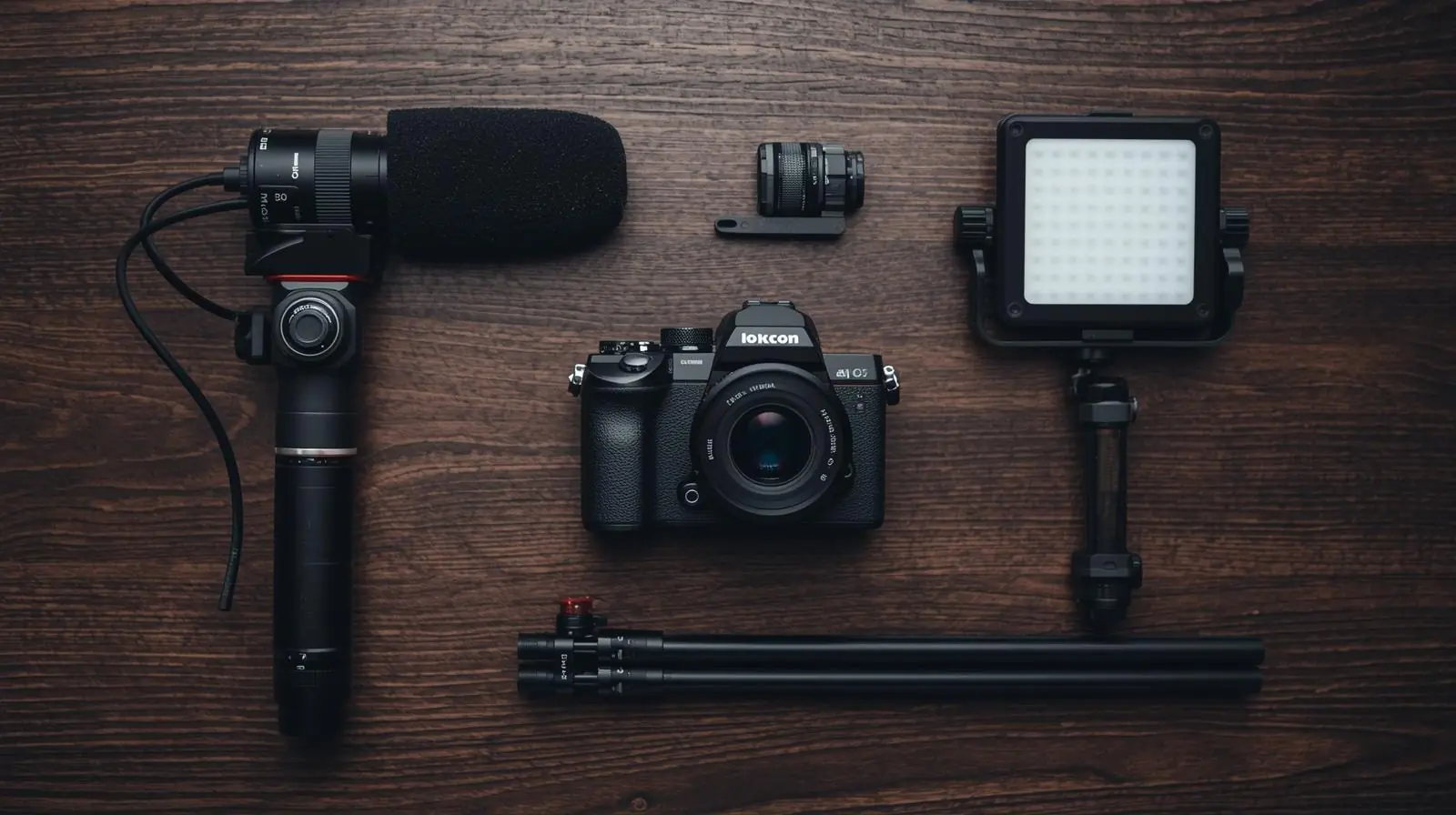
In today’s digital media landscape, high-quality visuals are what separate amateurs from professionals. Whether you’re producing YouTube videos, live streams, tutorials, or short-form social content, the camera you use determines how your audience perceives your brand. A well-chosen camera elevates your production value, streamlines your workflow, and ensures consistent results.
But with hundreds of options on the market, choosing the right content production camera can feel overwhelming. This guide breaks down what to look for, types of cameras available, and practical recommendations to help you make a smart investment.
Key Considerations When Choosing a Content Production Camera
Before buying any camera, it’s essential to understand the technical and practical aspects that directly affect your content creation process.
Sensor Size and Format
The sensor is the heart of any camera. It determines image quality, depth of field, and low-light performance.
-
Full-Frame Sensors: Deliver the best image quality, shallow depth of field, and excellent performance in low light. Ideal for cinematic and professional work.
-
APS-C / Super 35 / Micro Four Thirds Sensors: More compact, affordable, and still capable of excellent results. However, they may introduce more noise in darker environments.
Your sensor format also affects lens choices and the field of view. A full-frame 35mm lens will behave differently on a cropped sensor camera.
Resolution, Frame Rates, and Video Modes
-
4K is now the standard for professional content production.
-
Some cameras offer 6K or 8K, giving you more flexibility in post-production (like reframing and cropping).
-
Higher frame rates (60 fps, 120 fps, or higher) are essential for slow motion and smooth motion shots.
-
Look for 10-bit recording, log profiles, and formats like ProRes or RAW for maximum editing flexibility.
Autofocus and Stabilisation
Fast, accurate autofocus is critical, especially for solo creators or vloggers. Look for eye and face-tracking autofocus for consistent focus.
In-body image stabilisation (IBIS) helps smooth handheld shots. If your camera lacks it, use lenses with optical stabilisation or external stabilisers like gimbals.
Audio Inputs and Monitoring
Sound quality is as important as visuals. Cameras with microphone inputs and headphone jacks give you more control over audio. Without them, you’ll need to record separately and sync in post, which takes more time.
Portability and Ergonomics
If you shoot on the go, a lightweight mirrorless or compact camera will make life easier. For studio setups or high-end productions, larger cinema cameras with modular designs are a better choice.
Connectivity and Streaming Features
Modern cameras often include Wi-Fi, Bluetooth, and USB streaming capabilities. Some even allow direct live streaming, ideal for creators who produce live podcasts, webinars, or gaming streams.
Battery Life, Overheating, and Recording Limits
For long sessions, check for unlimited recording and good heat management. Some cameras shut down during extended 4K or 6K recording, so this is a crucial factor for interviews and events.
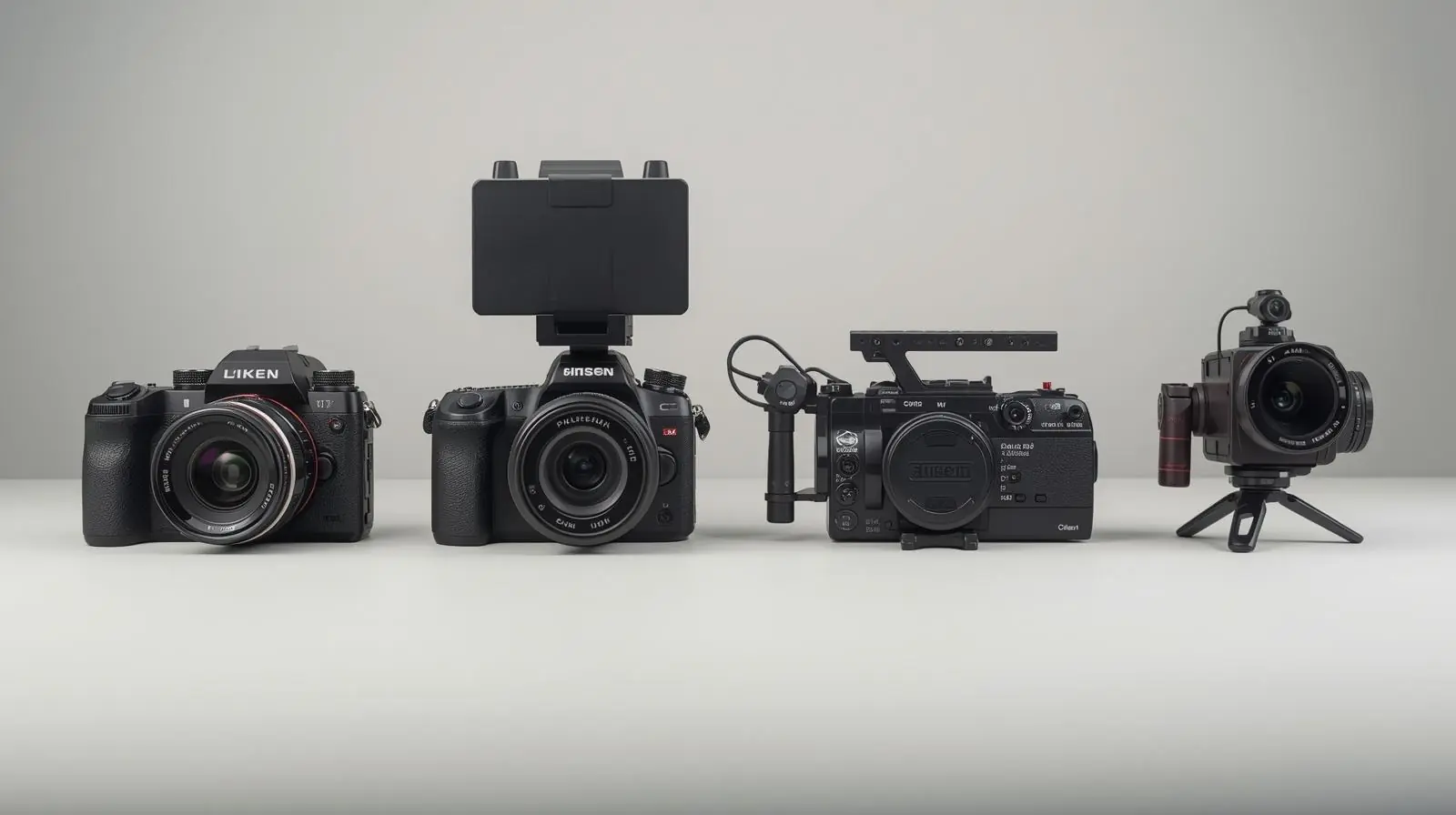
Types of Cameras for Content Production
Different types of cameras serve different creative needs. Let’s explore the most common categories.
1. Mirrorless / Hybrid Cameras
Mirrorless cameras have become the top choice for most creators. They balance photo and video quality, portability, and advanced autofocus.
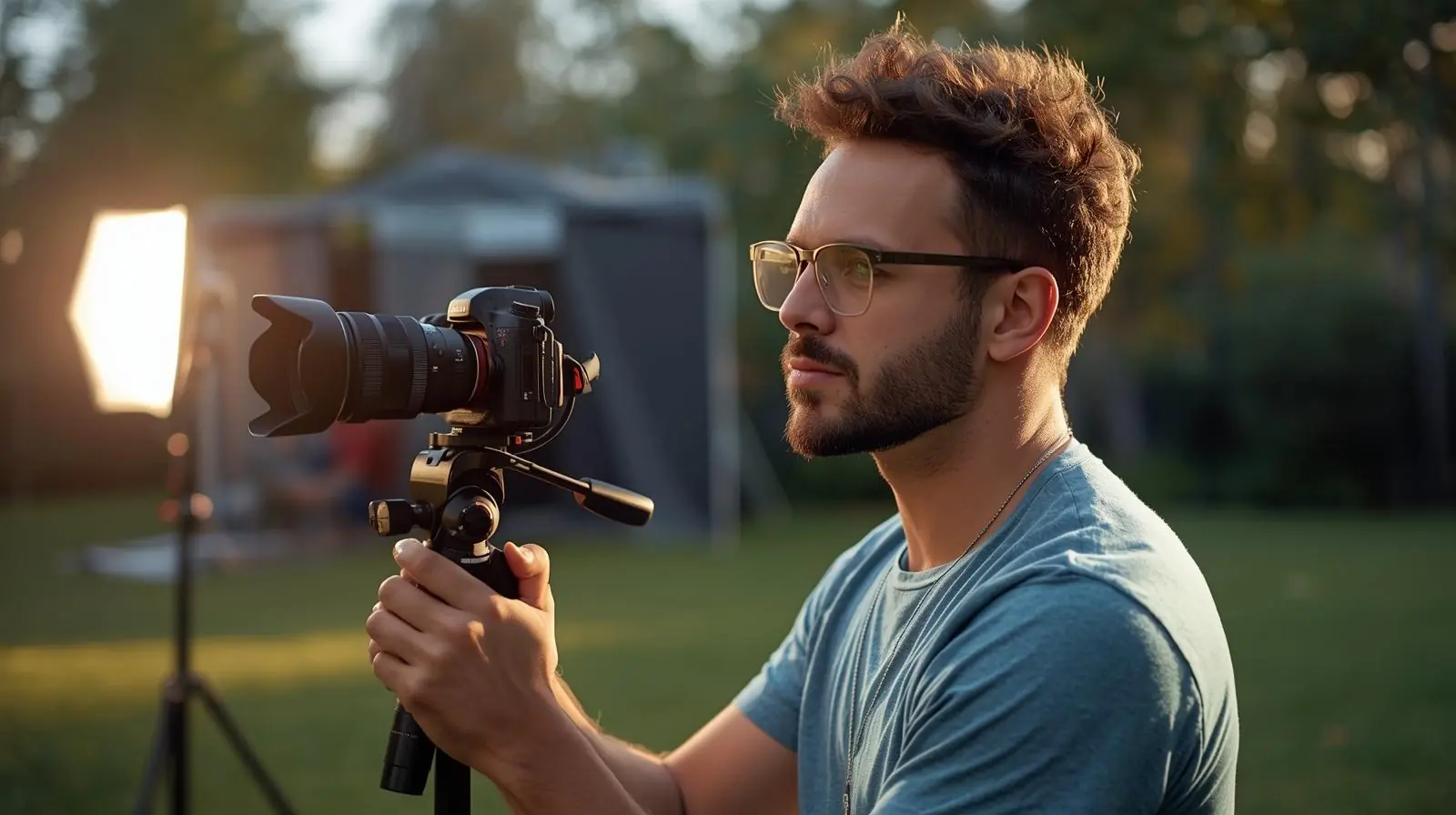
Pros:
-
Interchangeable lenses
-
Compact and lightweight
-
Excellent image quality
-
Great autofocus systems
Cons:
-
May have shorter battery life
-
Some models have overheating or recording limits
Popular examples: Sony ZV-E10, Canon EOS R6, Panasonic Lumix S5 II.
2. Cinema / Digital Cinema Cameras
These are purpose-built for professional filmmaking and high-end content production.
Pros:
-
Exceptional image quality and colour science
-
RAW and Log formats for full control in post
-
Designed for long recording sessions
Cons:
-
Expensive
-
Larger and require rigging or support equipment
Popular examples: Blackmagic Pocket Cinema Camera 6K, Canon C70, RED Komodo.
3. Action and 360° Cameras
If you’re creating travel, sports, or adventure content, action cameras are your best friend. They’re small, rugged, and versatile.
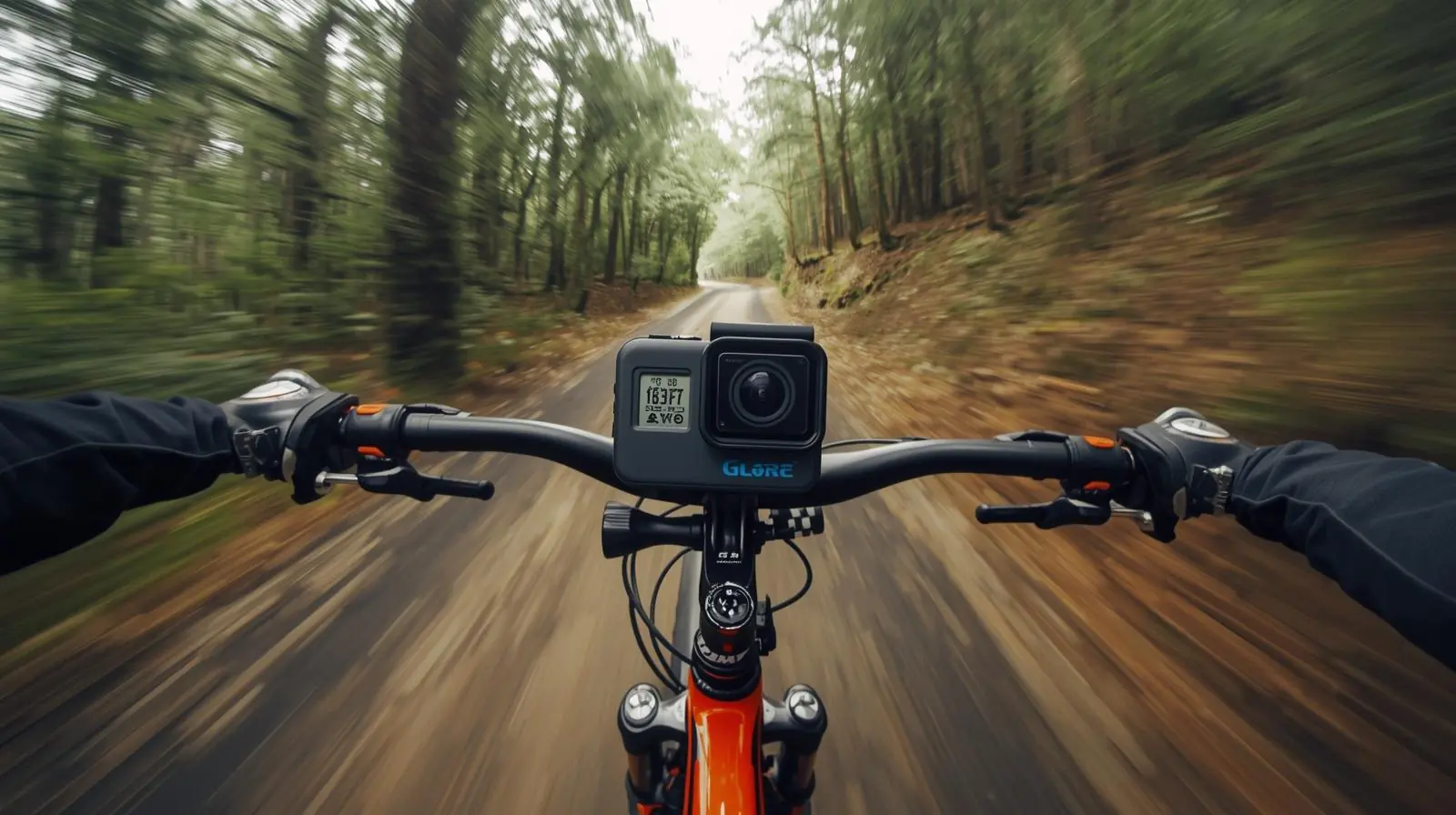
Pros:
-
Compact and waterproof
-
Great stabilisation
-
360° capture options for immersive footage
Cons:
-
Limited manual control
-
Small sensors struggle in low light
Popular examples: GoPro HERO12, Insta360 X4, DJI Osmo Action 5.
4. PTZ and Auto-Tracking Cameras
PTZ (Pan-Tilt-Zoom) cameras are ideal for live streaming, classrooms, or multi-camera studio setups. They can be remotely controlled and even track subjects automatically.
Pros:
-
Automated tracking
-
Remote camera control
-
Great for static or live environments
Cons:
-
Less cinematic image quality
-
Higher price for professional systems
Popular examples: Sony SRG series, AVer TR615, Logitech Rally.
Recommended Cameras by Use Case
Here’s a quick breakdown of camera recommendations based on different creator needs:
| Use Case | Recommended Camera Type | Why It Works |
|---|---|---|
| Solo Vloggers / Influencers | Sony ZV-E10, Canon R50 | Compact, great autofocus, flip screen for self-recording |
| Hybrid Creators (Photo + Video) | Panasonic Lumix S5 II, Canon R6 | Excellent balance of stills and video features |
| Professional Cinematic Work | Blackmagic Pocket 6K, Canon C70 | RAW recording, colour depth, and pro workflow options |
| Travel / Adventure Content | GoPro HERO12, Insta360 X4 | Portable, durable, built for movement |
| Live Streaming / Webinars | PTZ Cameras, Sony SRG series | Remote operation and automated tracking |
| Budget Filmmaking / Indie Projects | Panasonic GH5 II, Fujifilm X-S20 | Great specs and flexibility for lower cost |
Practical Tips for Maximising Your Camera Setup
Once you’ve chosen your camera, follow these professional tips to get the most out of it.
Optimise Camera Settings
-
Shoot in manual mode for full exposure control.
-
Use flat or log colour profiles to capture more dynamic range.
-
Record in 10-bit if available for smoother colour grading.
-
Lock your white balance to maintain consistent colours.
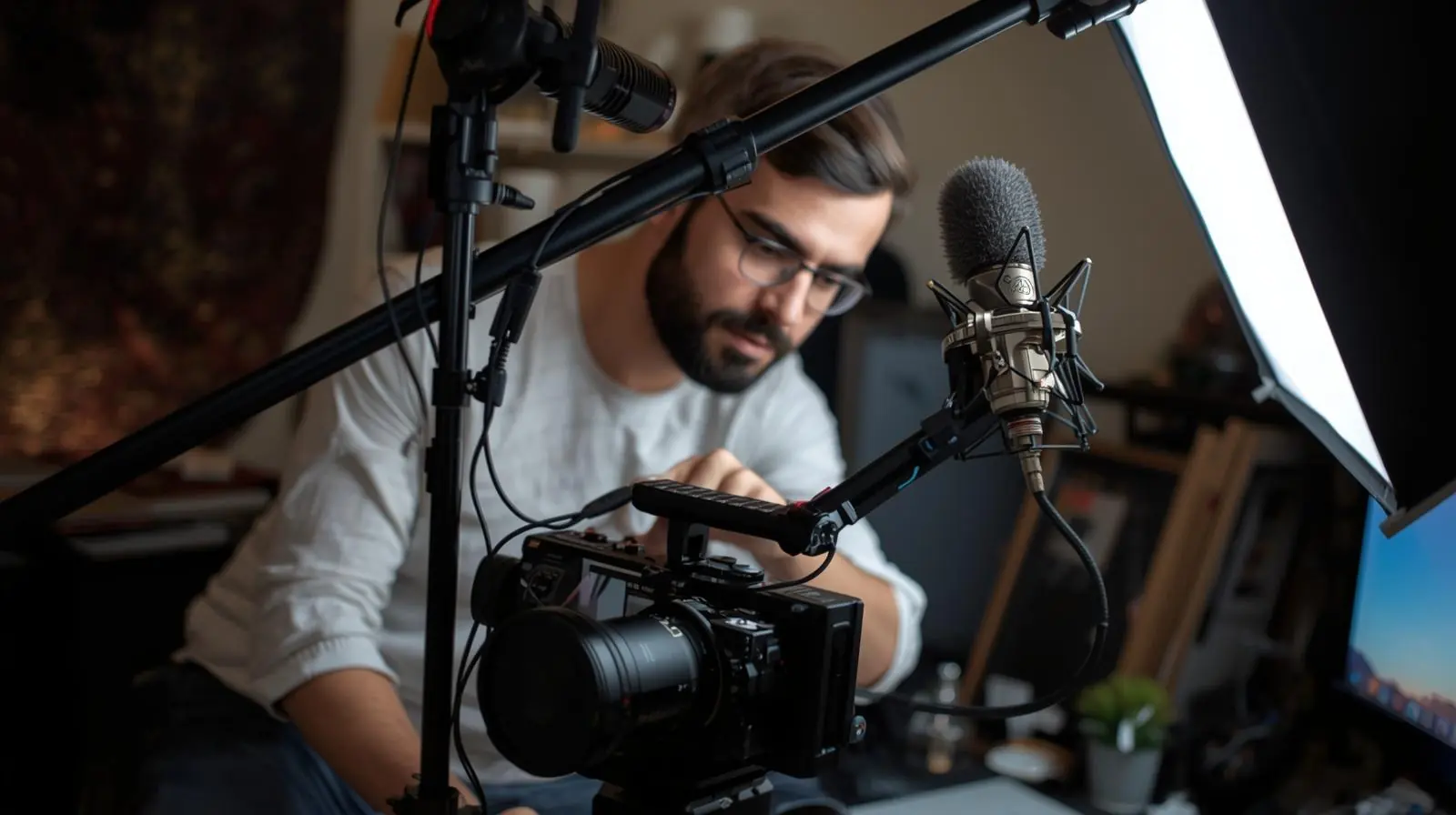
Use Proper Accessories
-
External microphones provide better sound than built-in ones.
-
ND filters help control exposure in bright light.
-
Tripods, cages, and gimbals stabilise your shots.
-
LED lighting dramatically improves image quality.
Manage Your Media and Data
-
Use high-speed SD or CFexpress cards for high-bit-rate video.
-
Back up your footage immediately after each shoot.
-
Label and organise your files to simplify post-production.
Prevent Overheating and Battery Drain
-
Keep spare batteries and external power options handy.
-
Avoid direct sunlight and record in shorter intervals if your camera runs hot.
-
Use external recorders when shooting long sessions in high resolutions.
Maintain Consistency in Your Visual Style
-
Use similar camera settings across shoots.
-
Maintain consistent lighting and framing for a professional look.
-
Create or use LUTs (Look-Up Tables) to maintain your brand’s colour tone.
Conclusion: Elevate Your Production with the Right Camera
Choosing the perfect content production camera is a balance between creativity, practicality, and budget. There’s no universal “best” camera, only the one that fits your workflow and storytelling style.
Key Takeaways:
-
Match the camera’s capabilities to your production goals.
-
Prioritise sensor quality, autofocus, and audio inputs.
-
Consider portability, stabilisation, and recording limits.
-
Invest in accessories and lighting to maximise performance.
-
Build a workflow that ensures reliability, consistency, and creative freedom.
The right camera doesn’t just capture footage, it empowers you to tell stories more effectively. Whether you’re filming cinematic short films, online tutorials, or daily vlogs, the right equipment will help you produce professional, engaging, and visually stunning content.
Ready to level up your content? Start by defining your shooting needs and budget, then choose a camera that aligns with your creative vision. Once you’ve mastered your gear, your storytelling potential is limitless.
Planning a project? Call 0300 8467101, email info@mediaksolutions.com or request a quote.