Empowering Content Creators with Professional Tools

Empowering Content Creators with Professional Tools
In the dynamic realm of digital media, content creation has transcended the boundaries of traditional studios and large production teams. From independent vloggers and educational YouTubers to professional podcasters, live streamers, and corporate marketing teams, today’s creators are shaping narratives across diverse platforms. To thrive in this competitive landscape, they need powerful, intuitive, and scalable tools that streamline production, elevate quality, and amplify impact. Professional tools not only simplify workflows but also empower creators to produce engaging, polished content that captivates audiences and drives growth. This comprehensive guide explores how modern tools are transforming content creation, fostering collaboration, ensuring security, and supporting scalability for creators at every level.
The Rise of the Modern Content Creator
The digital revolution has democratised media, enabling anyone with a vision to become a content creator. Short-form videos on TikTok and Instagram Reels, long-form documentaries on YouTube, immersive podcasts, and live-streamed gaming sessions reflect the diversity of today’s content landscape. Audiences demand high-quality, consistent output, and creators must meet these expectations while navigating multiple platforms and formats.
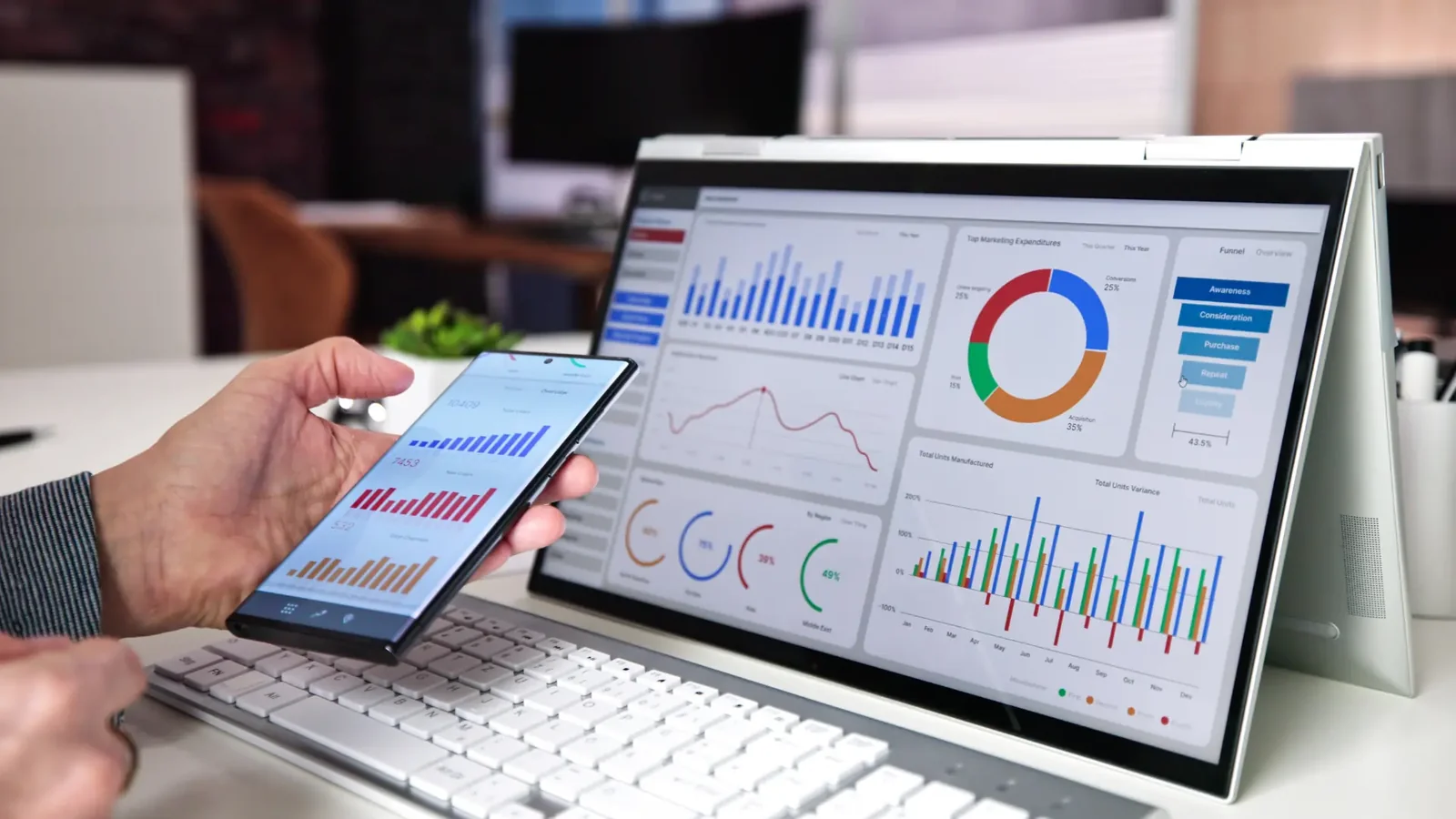
To succeed, creators need tools that are:
User-Friendly: Intuitive interfaces that minimise learning curves.
Feature-Rich: Comprehensive capabilities for editing, publishing, and analytics.
Cross-Platform Compatible: Seamless operation across desktop, mobile, and cloud environments.
Collaborative: Support for team-based workflows and remote contributions.
Secure: Robust protections for intellectual property and sensitive data.
Whether you’re a solo entrepreneur crafting a personal brand or a corporate team producing marketing campaigns, professional tools are the backbone of impactful content creation. According to a 2024 report by Statista, the global content creation market is projected to keep growing strongly to 2027, underscoring the growing importance of these tools.
1. Studio-Grade Video and Audio Equipment
While smartphones suffice for casual content, professional creators require equipment that delivers superior quality to meet platform algorithms and audience expectations.
Key Equipment for Creators
DSLR and Mirrorless Cameras: Models like the Sony A7 IV or Canon EOS R6 offer 4K video, high dynamic range, and interchangeable lenses for cinematic visuals.
Professional Microphones and Audio Interfaces: Options like the Shure SM7B or Rode NT1, paired with interfaces like the Focusrite Scarlett, ensure crystal-clear sound.
Lighting Setups: LED panels, softboxes, and ring lights (e.g., Neewer or Godox) create flattering, professional illumination.
Tripods, Gimbals, and Stabilisers: Tools like the DJI Ronin-S or Manfrotto tripods provide smooth, stable shots for dynamic storytelling.
Real-World Impact
A travel vlogger upgraded from a smartphone to a Sony ZV-1 camera and Rode VideoMic, resulting in a 40% increase in YouTube engagement due to improved video and audio quality.
Pro Tip
Invest in versatile equipment that supports multiple formats (e.g., vlogs, interviews, live streams) to maximise ROI and adaptability.
2. Advanced Editing Software
Post-production transforms raw footage into compelling stories. Professional editing software offers the precision and creative control needed to craft polished content.
Popular Video Editing Software
Adobe Premiere Pro: The industry standard for video editing, with robust tools for cutting, effects, and multi-camera workflows.
Final Cut Pro: Optimised for Mac, offering fast rendering and magnetic timeline features.
DaVinci Resolve: Combines editing with advanced colour grading, ideal for cinematic projects.
CapCut or Canva Pro: Mobile-friendly options for quick edits and social media content.
Audio Editing Tools
Audacity: Free, open-source software for basic audio editing and cleanup.
Adobe Audition: Professional-grade for mixing, mastering, and noise reduction.
Pro Tools: Preferred for complex audio projects like music production or multi-track podcasts.
Example
A podcast team using Adobe Audition reduce background noise by 80%, enhancing listener retention and earning higher ratings on Spotify.
Pro Tip
Leverage AI-powered features in tools like Premiere Pro’s Auto Reframe or Audition’s Noise Reduction to speed up editing without sacrificing quality.
3. Real-Time Collaboration and Cloud Storage
Content creation is increasingly collaborative, involving remote editors, designers, and marketing teams. Cloud-based tools streamline workflows and ensure seamless teamwork.
Recommended Collaboration Tools
Frame.io: A video review platform for real-time feedback, annotations, and version control.
Google Workspace / Microsoft 365: Centralised platforms for document sharing, scheduling, and team communication.
Dropbox / OneDrive / Google Drive: Secure storage for large video files, with sharing and access controls.
Notion or Trello: Project management tools for task tracking, deadlines, and content calendars.
Real-World Impact
A marketing agency using Frame.io cut video approval times by 50%, enabling faster campaign launches across social platforms.
Pro Tip
Use version control features in cloud tools to track changes and avoid overwriting critical assets during collaborative edits.
4. Live Streaming & Real-Time Broadcasting Platforms
Live content, from gaming streams to product launches, thrives on engagement and production quality. Professional livestreaming tools empower creators to deliver seamless, interactive broadcasts.
Top Tools for Live Broadcasting
OBS Studio / Streamlabs: Free, open-source software with customisable overlays, scene transitions, and multi-platform streaming.
vMix / Wirecast: Advanced solutions for live switching, multi-camera feeds, and professional encoding.
Restream.io: Enables simultaneous streaming to YouTube, Twitch, Facebook, and more.
Elgato Stream Deck: A customisable control interface for managing scenes, chats, and effects in real time.
Example
A gaming streamer using OBS Studio and a Stream Deck tripled their Twitch subscribers by integrating dynamic overlays and real-time audience interactions.
Pro Tip
Test your streaming setup with low-stakes broadcasts to optimise settings like bitrate and resolution before major events.
5. Content Management Systems (CMS) and Digital Asset Management (DAM)
As content libraries grow, organising and distributing assets becomes critical for efficiency and consistency.
Benefits of CMS and DAM
Tagging and Metadata: Simplify asset retrieval with searchable keywords and categories.
Scheduled Publishing: Automate content releases across platforms like YouTube or Instagram.
Version Control and Backup: Track changes and protect against data loss.
Social Media Integration: Streamline posting and analytics from a single dashboard.
Recommended Platforms
CMS: WordPress, Drupal, or Contentful for website and blog management.
DAM: Bynder, Widen, or Canto for centralised asset storage and distribution.
Example
A YouTube channel using Contentful automated video uploads, saving 10 hours weekly and improving posting consistency.
Pro Tip
Integrate your CMS with analytics tools to track content performance and refine publishing strategies.
6. Analytics and Audience Insights Tools
Understanding audience behaviour is key to creating resonant content. Analytics tools provide actionable insights to optimise performance.
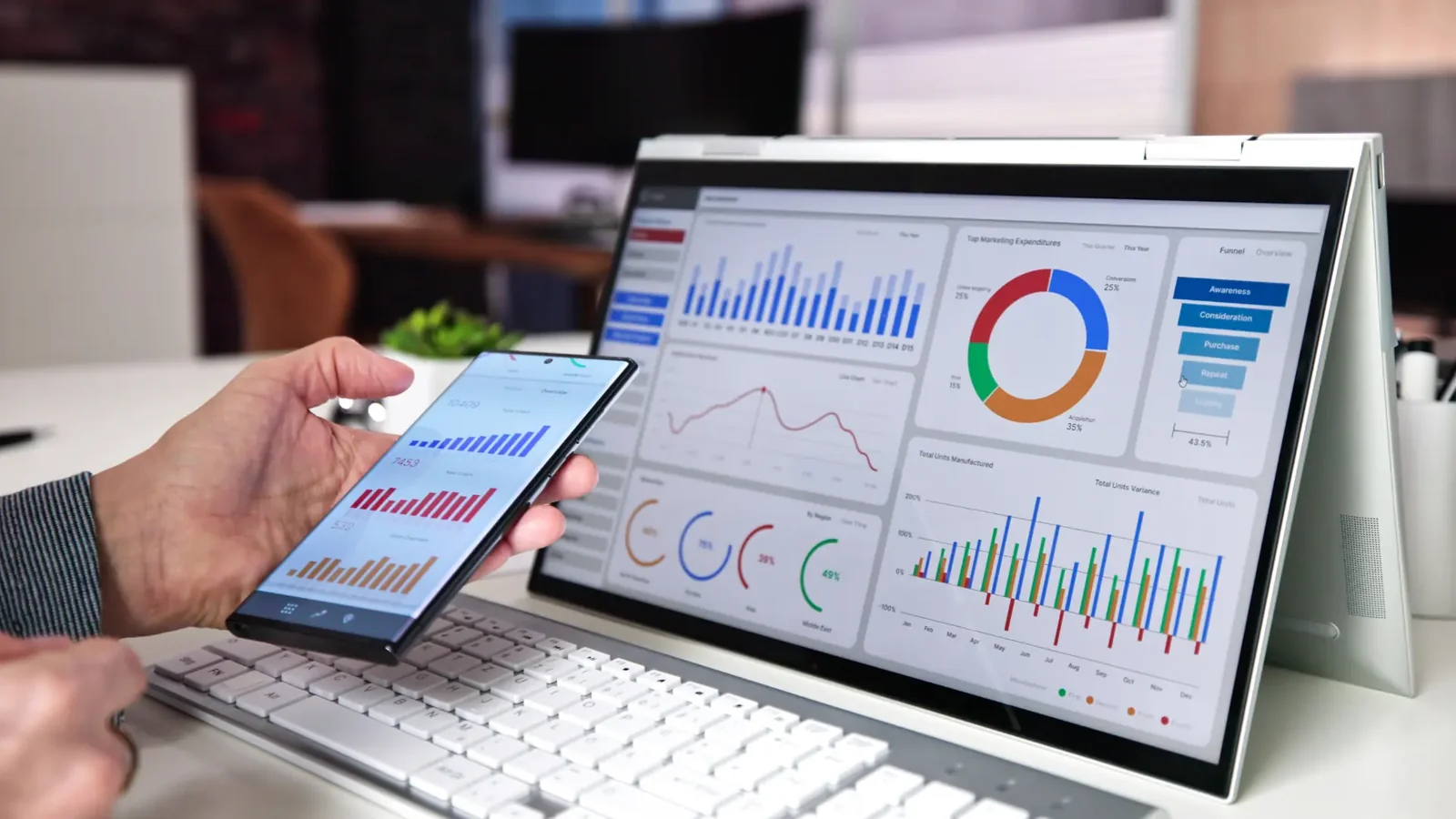
Top Analytics Platforms
Google Analytics / GA4: Tracks website traffic, user behaviour, and conversion metrics.
YouTube Analytics: Offers data on viewer demographics, watch time, and retention rates.
Social Media Dashboards: Native insights from Instagram, TikTok, and Facebook for engagement metrics.
TubeBuddy / vidIQ: YouTube-specific tools for SEO, keyword research, and competitor analysis.
Real-World Impact
An educational YouTuber using vidIQ increased video discoverability by 35% by optimising titles and tags based on trending keywords.
Pro Tip
Set up custom dashboards to monitor key performance indicators (KPIs) like click-through rates and audience retention in real time.
7. Secure Remote Access and Storage Solutions
Security and accessibility are critical for creators working with sensitive content or remote teams.
Must-Have Security Features
End-to-End Encryption: Protect files during storage and transfer.
Role-Based Access Control: Limit access to specific team members or roles.
Secure File Sharing and Backups: Ensure safe collaboration without data leaks.
KVM over IP: Enable remote access to content servers for editing or management.
Recommended Tools
TeamViewer / AnyDesk: Secure remote desktop access for editing and troubleshooting.
Secure VPNs: Protect data transmission across public networks.
Backblaze / Carbonite: Automated, encrypted cloud backups for large media files.
Example
A documentary filmmaker used TeamViewer to securely access editing servers remotely, completing a project ahead of schedule despite travel restrictions.
Pro Tip
Regularly audit access permissions and update passwords to maintain security across collaborative projects.
8. Monetisation and E-Commerce Integration
For many creators, content is a business. Monetisation tools transform audiences into sustainable revenue streams.
Popular Monetisation Options
Crowdfunding and Memberships: Patreon, Ko-fi, or Buy Me a Coffee for fan support.
E-Commerce Platforms: Gumroad, Shopify, or Sellfy for selling digital products, courses, or merchandise.
Ad Revenue Programs: YouTube Partner Program, TikTok Creator Fund, or Twitch Affiliate Program.
Affiliate Marketing: Amazon Associates, ShareASale, or ClickBank for commission-based earnings.
Example
A fitness influencer using Shopify sold workout guides, generating strong revenue within three months of launching.
Pro Tip
Integrate payment gateways like Stripe or PayPal for seamless transactions and global accessibility.
9. Professional Training and Community Support
The rapid evolution of content creation tools requires ongoing learning to stay competitive.
Valuable Learning Resources
Online Courses: MasterClass, Skillshare, or Coursera for video, audio, and marketing skills.
YouTube Creator Channels: Channels like Think Media or Creator Insider for platform-specific tips.
Vendor Tutorials: Adobe Creative Cloud or Blackmagic Design’s DaVinci Resolve training.
Community Forums: Creative COW, Reddit’s r/VideoEditing, or Stack Overflow for peer support.
Example
A podcaster improved production quality by 25% after completing a Skillshare course on audio mastering, leading to a sponsorship deal.
Pro Tip
Join niche communities on Discord or Slack to network with peers and share real-time insights.
10. All-in-One Creator Platforms
For creators seeking simplicity, all-in-one platforms combine design, editing, publishing, and monetisation into a single ecosystem.
Top All-in-One Platforms
Canva Pro: Design, schedule, and publish graphics, videos, and social posts.
Adobe Creative Cloud Express: A streamlined suite for quick edits and branded content.
Kajabi / Podia: End-to-end solutions for course creation, memberships, and marketing.
ClickFunnels: Funnels for content-driven sales and lead generation.
Example
A course creator using Kajabi streamlined their workflow, reducing production time by 30% while increasing student enrolment through integrated marketing tools.
Pro Tip
Evaluate all-in-one platforms for scalability to ensure they support growth as your audience and content needs expand.
Conclusion: Powering Creativity with the Right Tools

Professional tools are the catalysts that transform creative visions into reality. From studio-grade equipment and advanced editing software to cloud collaboration, live streaming platforms, and monetisation systems, these solutions empower creators to produce high-quality, engaging content that resonates with audiences. In a digital landscape where content drives influence, commerce, and community, the right tools are the difference between blending in and standing out.
By investing in tools that enhance production, streamline workflows, and support scalability, creators can focus on what matters most: telling stories, building connections, and growing their impact. Whether you’re a solo creator or part of a global team, the right technology unlocks limitless possibilities.
Call to Action: Ready to elevate your content creation game? Connect with our experts to discover the best professional tools tailored to your workflow and creative goals. Let’s turn your vision into reality with solutions that grow with you.
Planning a project? Call 0300 8467101, email info@mediaksolutions.com or request a quote.