Hybrid Learning and Collaboration Spaces
Education and workplace environments are changing faster than ever. Traditional classrooms and offices are no longer the only places where people connect, share knowledge, and collaborate. With remote learning and digital transformation on the rise, hybrid learning and collaboration spaces have emerged as essential solutions.
These environments combine physical and digital elements to support learning and teamwork across distances. For schools, universities, and businesses, hybrid spaces enable inclusivity, flexibility, and higher engagement. This blog explores the benefits, design principles, and future of hybrid learning and collaboration spaces, along with practical steps to implement them.
What Are Hybrid Learning and Collaboration Spaces?
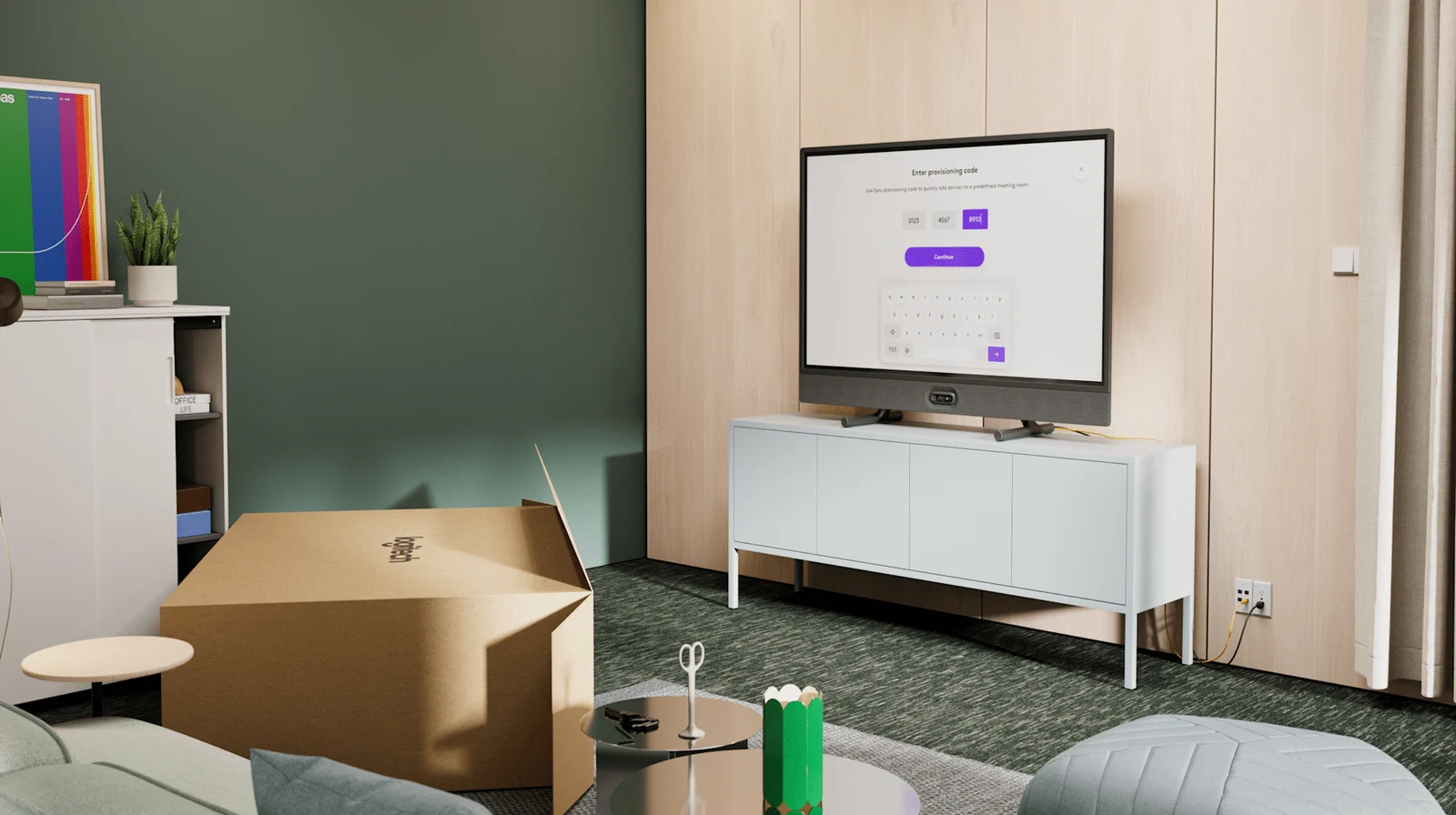
Hybrid learning and collaboration spaces are environments designed to connect in-person participants with remote learners or team members. They blend physical infrastructure with digital tools, creating seamless interactions.

Key features of hybrid spaces include:
-
Integrated video conferencing systems
-
Interactive displays and smart boards
-
Flexible seating arrangements
-
High-speed internet and reliable connectivity
-
Collaboration platforms such as Microsoft Teams, Zoom, or Slack
The goal is to create equal participation opportunities for everyone, whether they are in the room or joining remotely.
Why Hybrid Learning Spaces Matter in Education
Enhancing Student Engagement
Hybrid learning allows educators to combine face-to-face teaching with online participation. This flexible approach caters to different learning preferences, helping students stay engaged and motivated.
For example, students can attend a live lecture on campus while their peers join virtually. Both groups interact in real time, ask questions, and collaborate on projects without barriers.

Expanding Access to Education
Hybrid classrooms reduce geographical limitations. Students who cannot attend in person due to distance or personal commitments can still participate meaningfully. This accessibility is especially valuable for international learners or adult professionals pursuing higher education.
Supporting Active and Collaborative Learning
Modern hybrid classrooms use interactive tools like digital whiteboards, cloud-based platforms, and breakout rooms. These features encourage teamwork, problem-solving, and peer-to-peer learning in ways that go beyond traditional teaching models.
Why Collaboration Spaces Are Essential for Businesses
Driving Productivity and Innovation
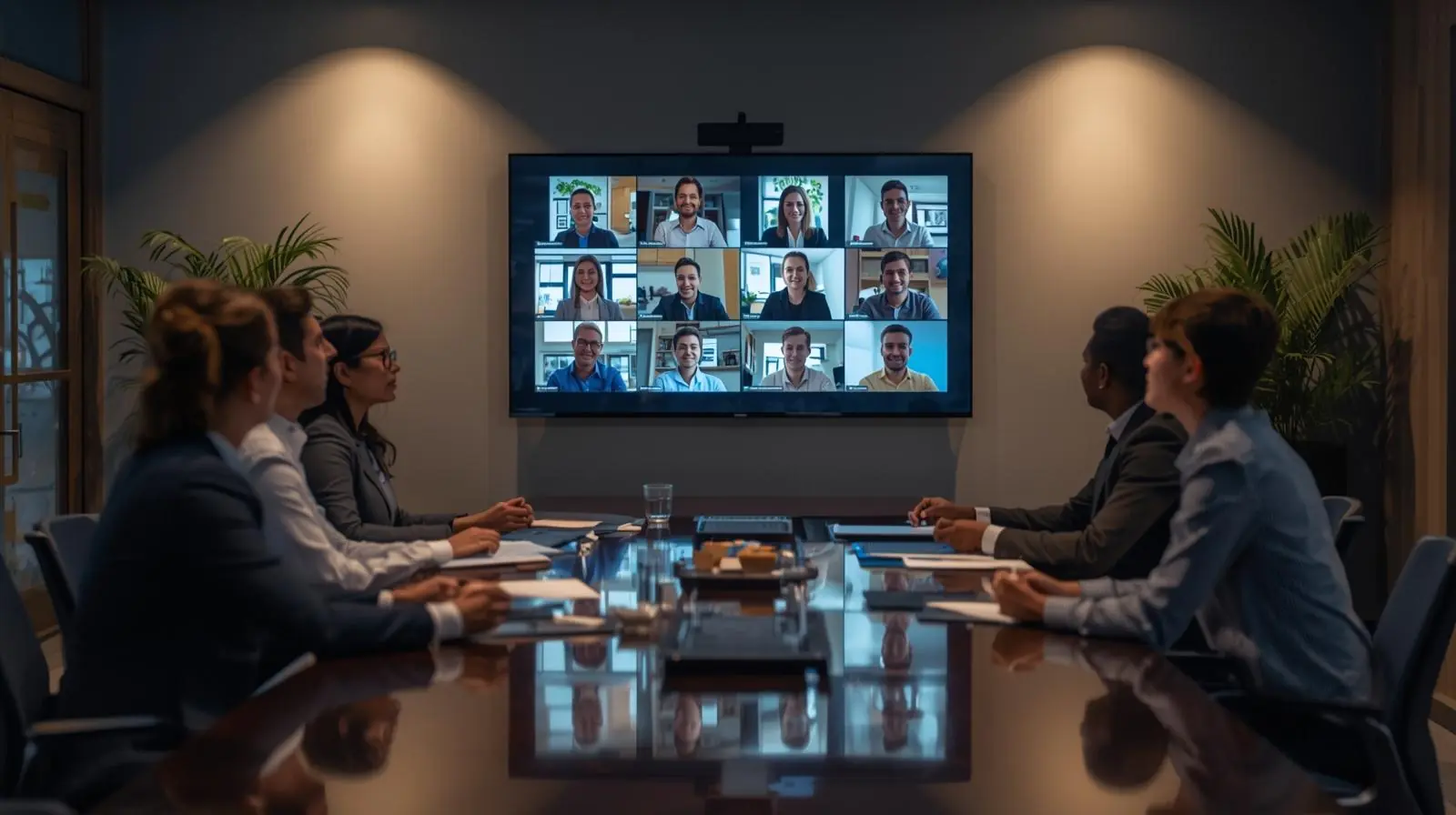
For organisations, hybrid collaboration spaces create opportunities for diverse teams to connect across borders. Employees can brainstorm, share insights, and co-develop solutions, no matter where they are located. This setup accelerates innovation and improves overall productivity.
Building Inclusive Work Cultures
When remote and onsite employees collaborate in real time, workplace inclusivity improves. No one is left out of meetings or creative discussions, which strengthens team morale and employee satisfaction.
Reducing Operational Costs
Hybrid collaboration models reduce travel and office space expenses. Companies can downsize physical workspaces while investing in technology that supports seamless collaboration. The cost savings are significant without compromising efficiency.
Key Elements of Effective Hybrid Spaces
Flexible Furniture and Layout
Movable desks, modular seating, and adjustable lighting create adaptable physical spaces. Flexibility allows the room to shift from a lecture setup to a collaborative group environment in minutes.
Reliable Technology Infrastructure
High-quality microphones, cameras, and screens are essential. Poor audio or video disrupts communication and reduces engagement. Investing in reliable hardware ensures every participant feels connected.
Collaboration Tools and Software
Cloud-based platforms such as Google Workspace, Microsoft 365, and Miro enable real-time file sharing and interactive discussions. Choosing user-friendly tools prevents digital fatigue and keeps participants focused.
Accessibility Features
Accessibility should be a top priority. Closed captioning, screen readers, and language translation features make hybrid environments inclusive for all learners and employees.

Best Practices for Designing Hybrid Learning and Collaboration Spaces
Prioritise User Experience
The design must focus on ease of use. Complicated systems frustrate users and decrease adoption. Clear interfaces, automated settings, and intuitive layouts make participation seamless.
Train Instructors and Facilitators
Teachers, managers, and facilitators need training to maximise hybrid technologies. Running effective hybrid sessions requires skills in digital engagement, time management, and troubleshooting.
Create Clear Participation Guidelines
Establish protocols for online and offline interactions. Examples include raising hands virtually, using chat for questions, or rotating discussion leaders. Clear guidelines ensure equal participation.
Focus on Security and Privacy
With hybrid spaces relying on cloud technology, cybersecurity becomes critical. Organisations must implement secure logins, encrypted communications, and data protection policies.

The Future of Hybrid Learning and Collaboration Spaces
Integration of AI and Smart Technology
Artificial intelligence will play a major role in personalising hybrid experiences. Smart systems can transcribe meetings, summarise discussions, and recommend learning resources in real time.
Virtual and Augmented Reality
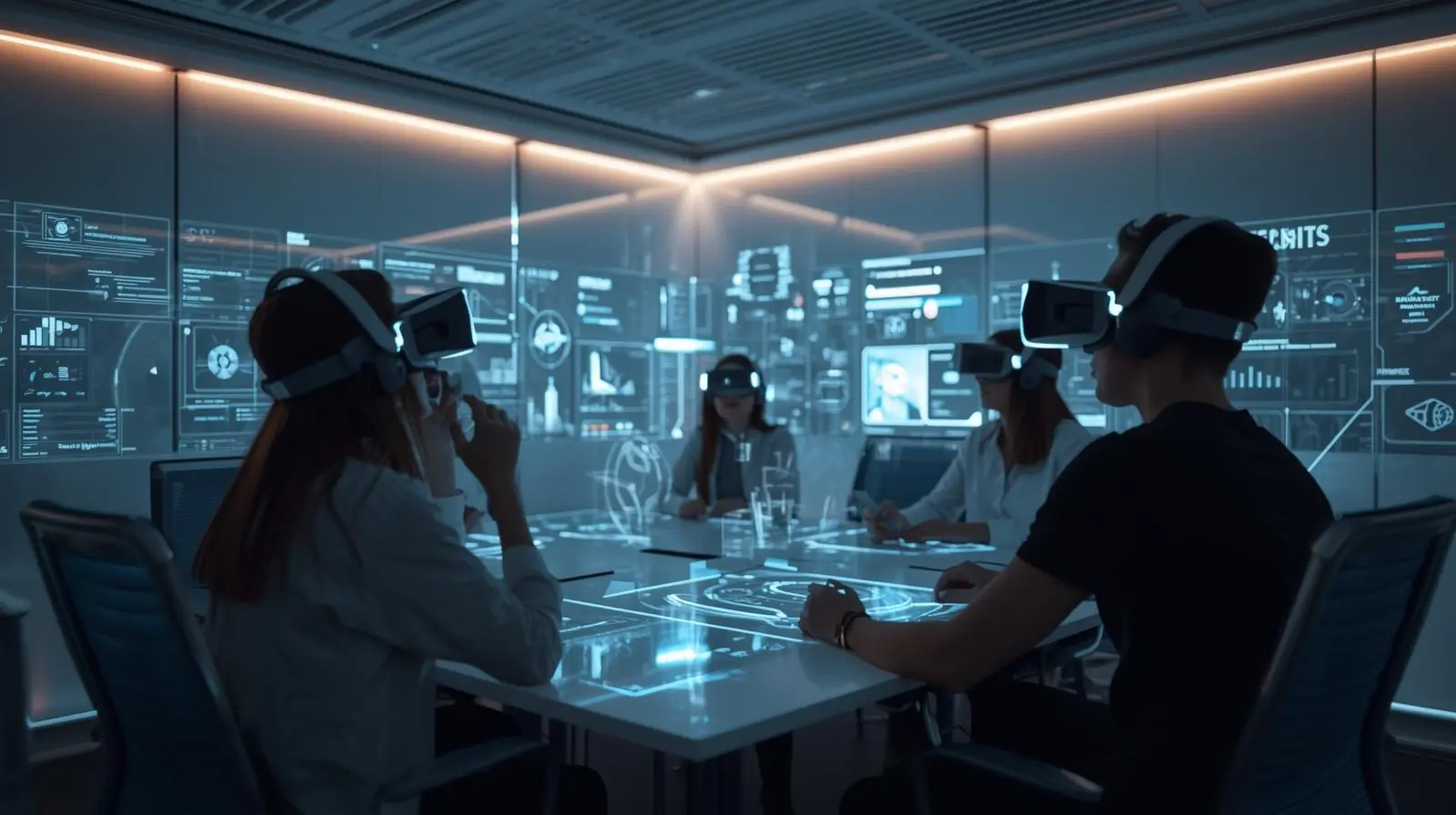
VR and AR technologies will transform hybrid learning into immersive experiences. Students may explore virtual labs, while teams can collaborate in 3D digital environments.
Sustainability and Eco-Friendly Designs
Hybrid spaces reduce the need for large-scale travel, lowering carbon emissions. Additionally, eco-friendly design choices such as energy-efficient lighting and recyclable furniture align with sustainability goals.
Global Collaboration Opportunities
Hybrid environments will continue to expand cross-border learning and business collaboration. The ability to connect globally will shape the future of education, research, and corporate innovation.
Practical Steps to Implement Hybrid Spaces
-
Assess needs and goals
Identify who will use the space, how often, and for what purpose. -
Invest in scalable technology
Choose tools and equipment that can adapt as needs grow. -
Redesign physical spaces
Ensure classrooms or offices have flexible layouts and strong connectivity. -
Train staff and participants
Provide workshops and resources to build confidence in using hybrid tools. -
Collect feedback and improve
Regularly evaluate user satisfaction and make adjustments to technology and processes.

Conclusion: Building the Future of Hybrid Collaboration
Hybrid learning and collaboration spaces are no longer optional. They are critical for educational institutions and businesses that want to thrive in a connected world. By combining physical presence with digital accessibility, these spaces empower people to learn, share ideas, and innovate without barriers.
Schools, universities, and organisations that embrace hybrid environments will not only improve engagement but also future-proof their systems. The key lies in thoughtful design, reliable technology, and inclusive practices.
Now is the time to reimagine classrooms and offices as dynamic hybrid hubs. Whether you are an educator, a business leader, or a facility designer, investing in these spaces will unlock opportunities for collaboration and growth in the years to come.
Planning a project? Call 0300 8467101, email info@mediaksolutions.com or request a quote.