Making Remote Learning Accessible and Effective

Making Remote Learning Accessible and Effective

Remote learning becomes effective with the right strategies, ensuring tech access, inclusive design, and trained teachers, while tools like AI, VR, and UDL principles boost engagement and personalisation; creative solutions address challenges like cost and connectivity.
Remote learning has become a cornerstone of education, especially in 2025, as schools and universities continue to embrace digital platforms. To make it accessible and effective, institutions must address barriers like technology access and design inclusive, engaging experiences. Research suggests that combining Universal Design for Learning (UDL), advanced technologies, and robust support systems can create equitable and impactful remote learning environments.
Ensuring Access for All
Accessibility starts with providing students with the tools they need. Schools can partner with governments or organisations to offer devices and internet subsidies. For students with unreliable connectivity, offline resources like downloadable content or printed materials ensure learning continuity. These steps help bridge socioeconomic gaps, making education inclusive.
Designing Inclusive Content
Using UDL principles, educators can present content in multiple formats, text, video, audio, and images, to suit diverse learning needs. Tools like closed captions, transcripts, and alternative text for images ensure accessibility for students with disabilities. Platforms like Microsoft Teams and Zoom offer built-in accessibility features to support this.
Engaging Students Effectively
To keep students motivated, incorporate interactive elements like gamification, virtual reality (VR), and collaborative platforms. AI-driven tools can personalise learning, while group activities foster a sense of community. These strategies make remote learning dynamic and engaging, enhancing student outcomes.
Supporting Teachers and Students
Teacher training is essential for effective remote instruction. Professional development programs should focus on digital tools and accessibility practices. Ongoing technical support ensures smooth operations, while regular communication with students builds connection and support.
Looking Ahead
Emerging trends like AI tutors, 5G connectivity, and immersive VR experiences are set to further enhance remote learning. By staying proactive, educators can create future-ready, inclusive learning environments that empower all students.
Detailed Analysis and Implementation Guide

Introduction
In 2025, remote learning remains a vital component of education, driven by the need for flexibility and global connectivity. The shift to digital platforms, accelerated by past global events, has highlighted both opportunities and challenges in making education accessible and effective. Accessibility ensures all students, including those with disabilities or socioeconomic barriers, can participate, while effectiveness focuses on engagement, personalisation, and measurable outcomes. This guide synthesises insights from educational technology research and real-world practices to provide a roadmap for creating inclusive and impactful remote learning environments. It covers definitions, benefits, strategies, technologies, challenges, and future trends, offering practical guidance for educators, administrators, and policymakers.
Defining Remote Learning
Remote learning refers to education delivered outside traditional classroom settings, primarily through digital platforms like Zoom, Microsoft Teams, or Learning Management Systems (LMS) such as Moodle and Canvas. It ranges from fully online courses to hybrid models combining virtual and in-person elements. Accessibility in remote learning means ensuring all students can access and engage with content, regardless of physical, cognitive, or socioeconomic barriers. Effectiveness involves creating engaging, interactive, and outcome-driven experiences that rival or surpass traditional methods.
Benefits of Accessible and Effective Remote Learning

Research suggests that well-designed remote learning offers significant advantages:
Inclusivity: Accessible content supports students with disabilities, such as those using screen readers or needing captions, as noted by the DO-IT program.
Engagement: Interactive tools like VR and gamification increase student motivation, as highlighted by London Daily News.
Personalisation: AI-driven platforms tailor content to individual needs, improving outcomes.
Flexibility: Students can learn at their own pace and from any location, benefiting diverse learners.
Career Preparation: Familiarity with digital tools prepares students for tech-driven workplaces.
Efficiency: Teachers save time on tasks like grading through automated systems.
However, some educators argue that remote learning may lack the social interaction of traditional classrooms, necessitating strategies to foster community.
Key Strategies for Accessibility and Effectiveness
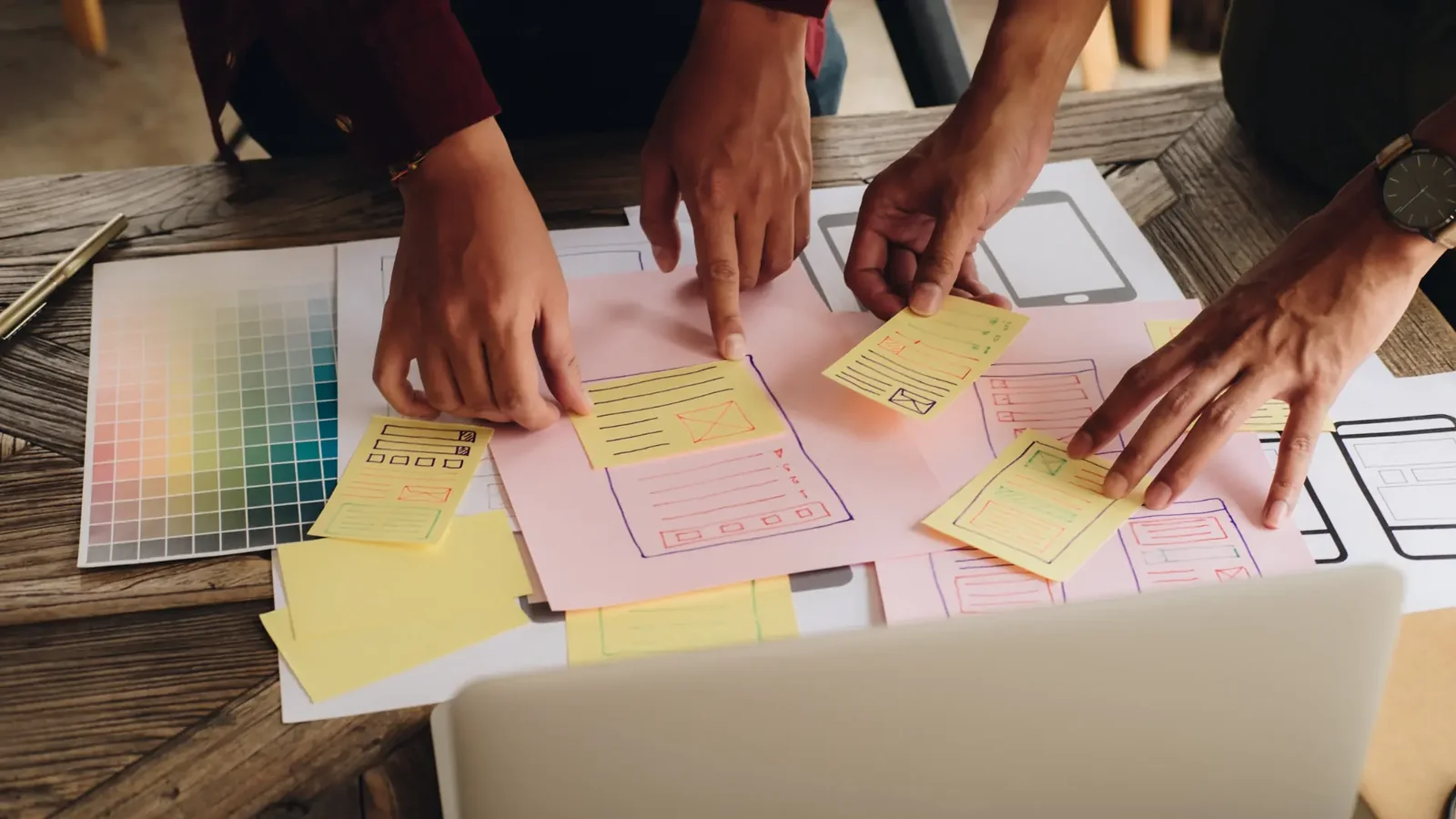
Based on insights from sources like the ISTE Blog and Accessible Digital Learning Portal, here are the core strategies:
1. Ensure Technology Access
Device Provision: Schools should provide laptops or tablets to students in need, partnering with governments or nonprofits for funding.
Internet Connectivity: Subsidise internet costs or provide mobile hotspots. For areas with unreliable internet, offer offline resources like downloadable videos or printed materials.
Example: The Forbes article notes how PBS Kids addressed technology disparities for special education students.
2. Implement Universal Design for Learning (UDL)
UDL principles ensure content is accessible and engaging for all learners:
Multiple Means of Representation: Offer content in text, video* videos, audio, and images. Tools like Microsoft Immersive Reader support diverse formats.
Multiple Means of Engagement: Use interactive activities, gamification, or project-based learning. HyperDocs provide structured, engaging resources.
Multiple Means of Expression: Allow students to demonstrate knowledge through writing, videos, podcasts, or 3D models using tools like Tinkercad.
Example: The ISTE Blog emphasises UDL for equity.
3. Leverage Advanced Technologies
Artificial Intelligence (AI): AI tutors and adaptive learning platforms personalise education. PowerSchool AI offers predictive analytics to identify at-risk students.
Augmented and Virtual Reality (AR/VR): Create immersive experiences, such as virtual field trips to historical sites, as noted by Fierce Network.
Collaborative Platforms: Tools like Google Workspace and Microsoft Teams enable real-time collaboration with interactive whiteboards and breakout rooms.
Example: London Daily News highlights VR’s role in 3D learning environments.
4. Design for Accessibility
Accessible Materials: Add closed captions to videos (YouTube Caption Guide), transcripts for audio, and Alt text for images. Google Docs Accessibility offers tips.
Inclusive Assessments: Offer multiple formats (written, video, audio) and extra time for students with disabilities, per Accessible Digital Learning Portal.
Example: Bates College provides tools to convert documents to accessible formats.
5. Teacher Training and Support
Professional Development: Train teachers on digital tools, UDL, and accessibility. Scholastic highlights successful training in NYC schools.
Technical Support: Provide 24/7 help desks to resolve issues, ensuring uninterrupted learning.
Example: The DO-IT program offers extensive resources for educators.
6. Foster Community and Connection
Regular Communication: Use video calls, messaging apps like WhatsApp, or social media to stay connected. ISTE Blog suggests fun content like TikToks to build rapport.
Peer Interaction: Facilitate group projects or discussions via platforms like Slack or Microsoft Teams.
Example: London Daily News notes social media’s role in building learning communities.
7. Utilise Open Educational Resources (OER)
Free Content: Use platforms like OER Commons or OASIS for customisable materials.
Example: ISTE Blog recommends OER for cost-effective, accessible resources.
8. Incorporate Gamification
Engagement Tools: Use points, badges, and leaderboards with platforms like Quizlet or H5P.
Example: Accessible Digital Learning Portal suggests gamification for motivation.
9. Data-Driven Insights
Analytics: Track performance and provide personalised feedback using LMS analytics or tools like PowerSchool.
Example: The London Daily News emphasises data for curriculum optimisation.
10. Multi-Platform Content
Responsive Design: Ensure content is accessible on smartphones, tablets, and laptops via cloud solutions like Dialaxy.
Example: The London Daily News highlights multi-platform accessibility.
Implementation Steps
Assess Needs: Evaluate technology, connectivity, and student needs.
Secure Funding: Use grants or partnerships to cover costs.
Select Tools: Choose user-friendly, accessible platforms.
Train Staff: Provide ongoing professional development.
Pilot Program: Test strategies in a small group before scaling.
Monitor and Adjust: Use analytics to refine approaches.
Challenges and Solutions
Cost: Use OER and grants to reduce expenses.
Connectivity: Provide offline options and hotspots.
Teacher Resistance: Offer training and peer support (ISTE Commons).
Technical Issues: Ensure robust support systems.
Equity: Distribute devices and resources equitably.
Case Studies
PBS Kids: Addressed accessibility for special education students with inclusive content (Forbes).
NYC Schools: Implemented accessible tools, boosting engagement (Scholastic).
Global University: Used VR for immersive learning, improving retention (Fierce Network).
Future Trends
AI Tutors: Enhance personalisation and support.
5G Connectivity: Enable seamless, high-speed access.
Advanced VR/AR: Offer immersive, interactive experiences.
IoT: Monitor learning environments for optimal conditions.
Cloud Computing: Simplify content access and storage.
Conclusion
Making remote learning accessible and effective requires a strategic blend of technology, pedagogy, and support. By ensuring access, applying UDL, leveraging AI and VR, designing for inclusivity, training teachers, fostering community, using OER, incorporating gamification, utilising analytics, and ensuring multi-platform access, educators can create equitable, engaging learning experiences. As technologies evolve, staying proactive will ensure remote learning remains a powerful tool for education in 2025 and beyond.
Call to Action: Start transforming your remote learning environment today! Assess your needs, explore tools like Microsoft Teams or OER Commons, and connect with experts to build an inclusive, effective learning platform.
Planning a project? Call 0300 8467101, email info@mediaksolutions.com or request a quote.