Media Asset Management Software: The Complete Guide to Organising and Controlling Your Digital Media
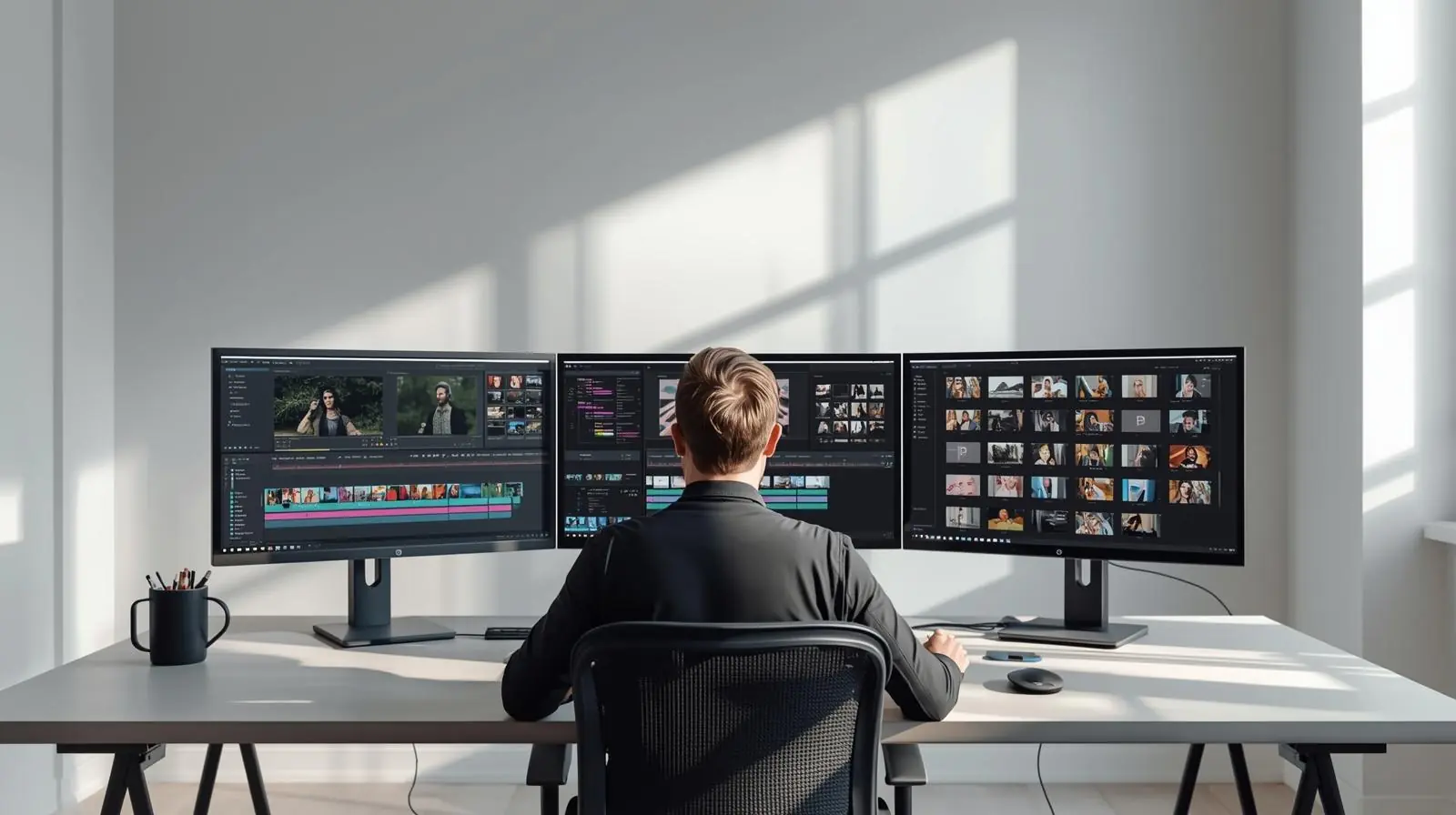
In today’s digital-first world, organisations produce and manage an overwhelming amount of media every day. Videos, images, animations, podcasts, and graphics are now essential assets that drive communication, branding, and storytelling. However, without a structured system, these valuable files often end up scattered across hard drives, cloud folders, and email attachments, making it difficult to locate, reuse, or manage them efficiently.
This is where media asset management software becomes indispensable. It helps businesses organise, store, retrieve, and distribute their media files with precision and control. Whether you’re a media production house, marketing agency, educational institution, or corporate enterprise, a robust MAM system ensures that your media workflows run smoothly and efficiently.
This comprehensive guide explores what media asset management software is, its core features, benefits, use cases, and how to choose and implement the right solution for your organisation.
What Is Media Asset Management Software?
Defining Media Asset Management
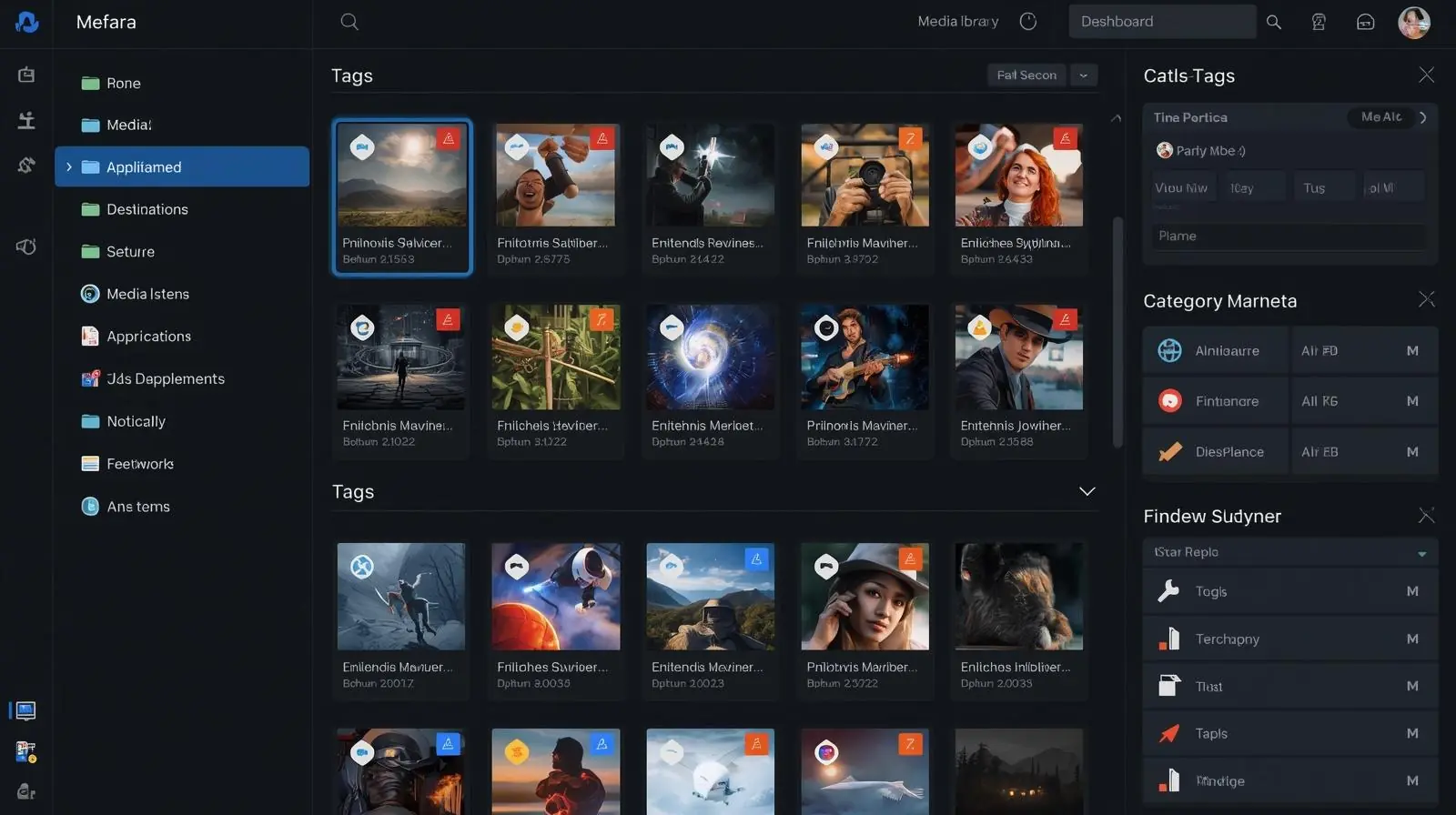
Media asset management (MAM) software is a specialised platform designed to store, organise, and manage large volumes of digital media content such as video, audio, graphics, and images. It enables teams to control the entire lifecycle of a media asset, from creation and ingestion to editing, distribution, and archiving.
While MAM is often compared to digital asset management (DAM), MAM systems are more advanced in handling complex media workflows. They are typically used in industries where video production and broadcasting are critical. MAM systems can process large file formats, manage multiple versions, and integrate directly with creative tools used for editing and post-production.
Why Media Asset Management Is Important
The explosion of video marketing, streaming content, and digital storytelling has made media a core business asset. As organisations create more media than ever before, managing these files effectively becomes a major challenge. Without proper management, teams face problems like:
-
Duplicated or missing files
-
Poor version control
-
Brand inconsistencies
-
Time wasted searching for assets
-
Compliance and rights issues
Media asset management software eliminates these issues by offering a centralised, searchable, and secure hub for all digital media.
Core Features of Media Asset Management Software
A well-designed MAM system provides a rich set of features to streamline every stage of your media workflow. Below are the key components to look for when evaluating solutions.
1. Metadata and Tagging
Metadata is the foundation of effective asset management. MAM software allows you to attach detailed metadata to each media file, including title, date, creator, rights, and keywords. Customisable metadata fields ensure assets are easy to find, categorise, and retrieve.
2. Automated Ingestion and File Processing
When new media files are added, the system can automatically ingest and catalogue them. Advanced MAM solutions include automated transcoding, thumbnail generation, and proxy creation. This ensures files are ready for editing or previewing in different resolutions and formats without manual intervention.
3. Advanced Search and Retrieval
With hundreds or thousands of media files in a library, finding the right one quickly is essential. MAM platforms feature powerful search tools that use metadata, filters, and even AI-based recognition to identify visual or audio elements within content. The result is fast, intuitive access to any asset, saving time and effort.
4. Version Control and History
Creative teams often work on multiple versions of the same file. MAM systems include version tracking, allowing users to view previous edits, compare differences, and restore earlier versions if needed. This prevents confusion and ensures the latest approved file is always accessible.
5. Collaboration and Review Workflows
Collaboration tools are essential in modern production environments. MAM software provides secure sharing, annotation, and approval workflows so team members, clients, and stakeholders can review and approve content from anywhere. This streamlines communication and shortens production cycles.
6. Rights and Usage Management
Licensing and rights management are crucial for compliance. MAM systems store information about asset ownership, usage rights, expiration dates, and restrictions. This prevents accidental misuse of media and protects organisations from legal risks.
7. Integration with Creative Tools
A good MAM integrates seamlessly with editing and design software such as Adobe Premiere Pro, Final Cut Pro, and After Effects. Integration with CMS platforms, storage systems, and automation tools ensures that assets can move easily between systems without duplication.
8. Analytics and Reporting
Insight into how assets are used is valuable for measuring performance and optimising media strategies. MAM software tracks usage statistics, downloads, and engagement levels, helping teams identify which assets deliver the most value.
9. Scalability and Cloud Support
Modern MAM solutions are built to scale as media libraries grow. Cloud-based systems offer flexibility, global accessibility, and reduced infrastructure maintenance. Hybrid models can combine on-premises control with cloud scalability.
Key Benefits of Media Asset Management Software
Implementing a media asset management system delivers measurable improvements across creative and operational teams. Here are the primary benefits.
1. Improved Organisation and Faster Retrieval
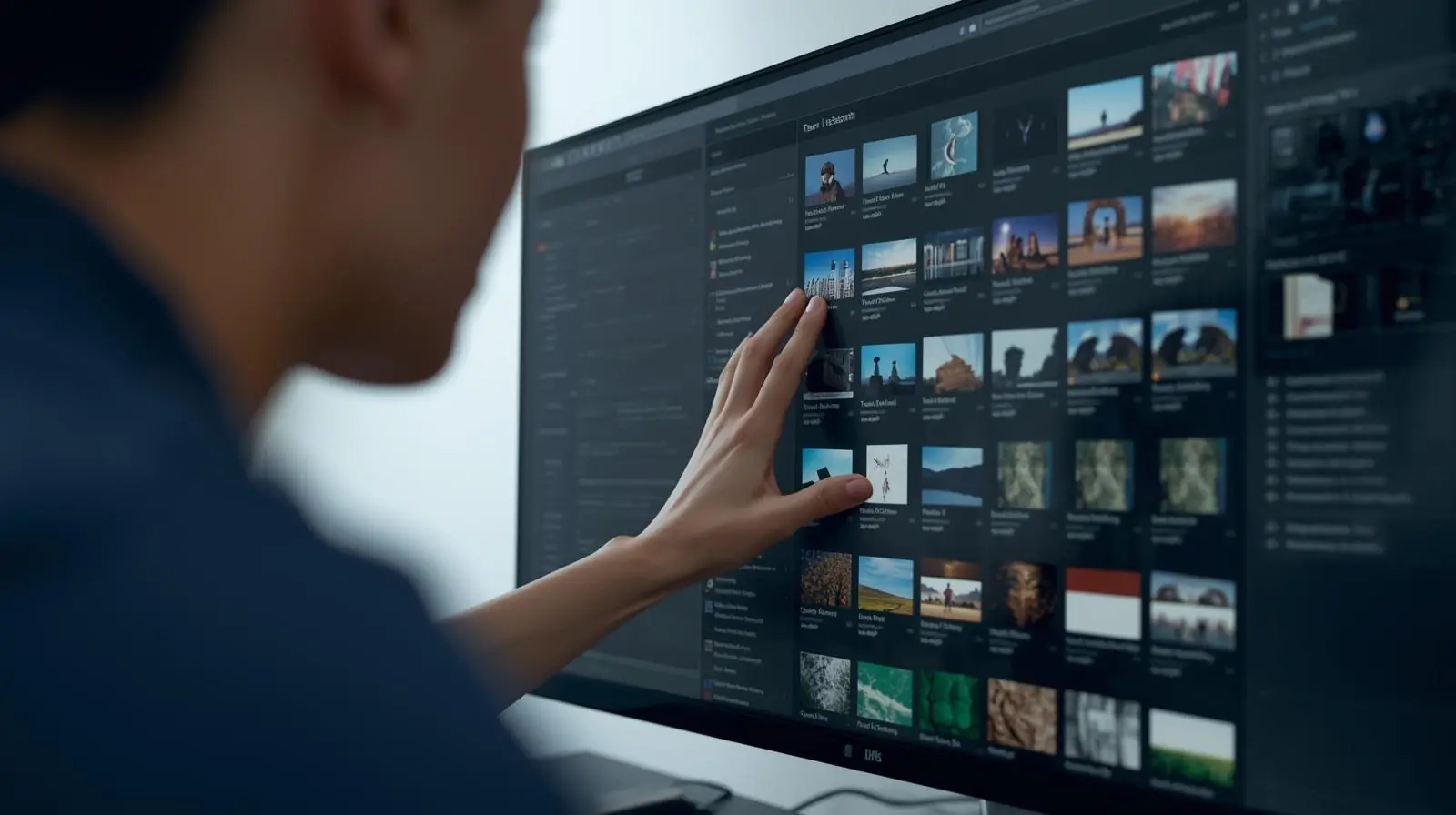
A centralised media library with consistent metadata and tagging allows users to find and reuse assets in seconds. No more wasted time searching through folders or asking colleagues for missing files.
2. Streamlined Collaboration and Workflow Efficiency
Creative and marketing teams can collaborate within a shared workspace, accessing the same assets, leaving feedback, and approving edits in real time. This improves productivity and ensures everyone works with the most current content.
3. Reduced Costs and Resource Savings
Reusing existing assets instead of recreating them from scratch saves significant time and money. Automation also reduces manual workload, allowing teams to focus on higher-value creative tasks.
4. Brand Consistency
A single source of truth ensures that only approved, up-to-date assets are used across all marketing and communication channels. This maintains a consistent brand image and message.
5. Legal and Rights Compliance
By tracking licenses and usage rights, organisations can avoid unintentional copyright violations. MAM systems alert users when content is expiring or restricted to specific channels or regions.
6. Data-Driven Insights
With analytics and reporting, teams can measure which media performs best, track ROI, and make informed decisions about content creation and distribution strategies.
7. Scalability for Growth
As your library expands, MAM software scales to support new media formats, additional users, and larger file volumes. This future-proofs your media operations and prepares you for evolving digital demands.

Common Use Cases Across Industries
Media asset management software is used by diverse organisations, not just broadcasters or production companies. Here are a few examples:
-
Marketing Teams: Store campaign visuals, video ads, and brand materials.
-
Agencies: Collaborate with clients and control content delivery across multiple projects.
-
Education: Manage recorded lectures, e-learning videos, and training content.
-
Media and Entertainment: Archive raw footage, automate post-production workflows, and distribute media across platforms.
-
Corporate Communications: Manage internal videos, presentations, and brand collateral.
-
Healthcare and Research: Organise imaging files, recorded procedures, and documentation.
In any sector that produces rich media content, a MAM system can reduce chaos and improve operational efficiency.
How to Choose the Right Media Asset Management Software
Selecting the best MAM system depends on your organisation’s specific needs and goals. Follow these steps to ensure a successful choice.

1. Identify Requirements
Start by assessing your media types, file formats, and workflow needs. Consider the number of users, geographic distribution, and future scalability. Define who will use the system and for what purposes.
2. Evaluate Core Features
Ensure the software offers essential capabilities such as metadata management, search, version control, workflow automation, rights management, and integration with your existing tools.
3. Assess Scalability and Performance
Your chosen solution must handle large file volumes and growing demand without performance issues. Check how well it scales in terms of storage and concurrent access.
4. Consider Deployment Options
Choose between on-premises, cloud-based, or hybrid deployment models. Cloud systems are ideal for distributed teams and fast scalability, while on-premises options may be preferred for tighter security control.
5. Review Security and Access Control
Look for advanced user permissions, encryption, and audit trails. Data security should be a top priority, especially for sensitive or proprietary media.
6. Prioritise Ease of Use
Adoption rates depend on usability. A user-friendly interface encourages teams to use the system consistently, ensuring long-term success.
7. Evaluate Vendor Support and Roadmap
Select a vendor with strong customer support, clear documentation, and regular updates. The product roadmap should align with your future needs.
8. Plan for Total Cost of Ownership
Factor in licensing, customisation, storage, and maintenance costs. A transparent pricing model helps avoid unexpected expenses later.
Best Practices for Implementation
To make your MAM deployment successful, follow these practical steps:
-
Begin with a pilot project and expand gradually.
-
Standardise metadata and naming conventions from the start.
-
Train users thoroughly and provide ongoing support.
-
Define clear governance rules and assign ownership roles.
-
Regularly clean and update your media library.
-
Automate repetitive workflows such as transcoding or tagging.
-
Monitor user adoption and adjust processes as needed.
-
Continuously measure ROI and optimise based on data insights.
By adhering to these best practices, your organisation can achieve faster adoption and long-term efficiency gains.
Challenges to Watch Out For
Although MAM systems provide immense value, there are potential challenges to anticipate:
-
Inconsistent metadata or lack of governance.
-
User resistance to adopting new workflows.
-
Over-customisation that complicates maintenance.
-
Integration difficulties with legacy systems.
-
Underestimating storage or bandwidth needs.
-
Security misconfigurations or poor access control.
-
Time-consuming data migration from old repositories.
Addressing these issues early ensures a smoother implementation and a more reliable media management environment.
Conclusion
Media asset management software is now a strategic necessity for any organisation that creates and distributes media content. By centralising storage, enhancing searchability, improving collaboration, and maintaining control over rights and usage, MAM solutions empower teams to deliver high-quality media faster and more consistently.

Key takeaways:
-
MAM software manages the full lifecycle of media assets efficiently.
-
Core features include metadata, automation, collaboration, rights management, and analytics.
-
Benefits include cost savings, brand consistency, and scalability.
-
Careful selection, planning, and governance are crucial to success.
If your organisation is struggling with scattered media files, duplicated content, or time-consuming retrieval processes, now is the time to invest in a professional media asset management solution. The right system will not only organise your assets but also elevate your creative workflow, enhance collaboration, and future-proof your media operations.
Planning a project? Call 0300 8467101, email info@mediaksolutions.com or request a quote.