Non-Linear Editing Systems (NLE)
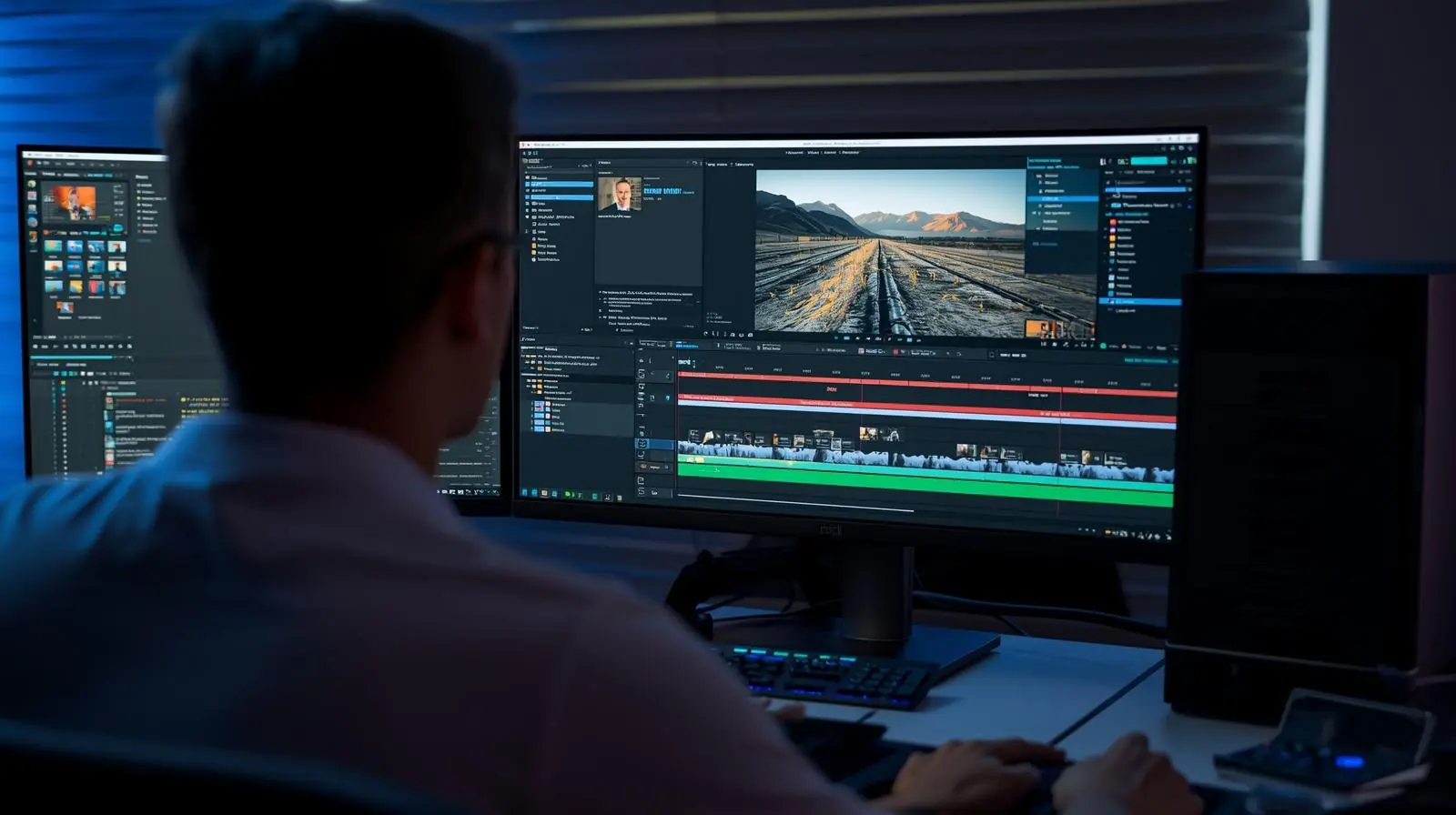
In the fast-paced world of video production, storytelling depends not just on what you shoot, but how you edit. For decades, editors worked under strict limitations, manually cutting film strips or re-recording from tape to tape in a process known as linear editing. Every edit had to follow a physical sequence, and revising earlier sections often meant starting over.
Then came the game-changer: the non-linear editing system (NLE). This technology revolutionised the post-production process by giving editors the freedom to access and manipulate any part of a project instantly, without damaging the original footage. Today, NLEs power everything from Hollywood blockbusters to YouTube vlogs, enabling flexible, non-destructive editing with unprecedented creative control.
In this guide, we’ll explore what makes NLEs so powerful, their history, how they work, key features, benefits, and the trends shaping the future of video editing.
What Is a Non-Linear Editing System (NLE)?
Understanding the Core Concept
A non-linear editing system is a digital software tool that allows editors to work on video or audio files in any order, without following a strict, sequential path. Instead of cutting or copying from one tape to another, the NLE references original media files stored digitally and records your edits as a series of instructions.
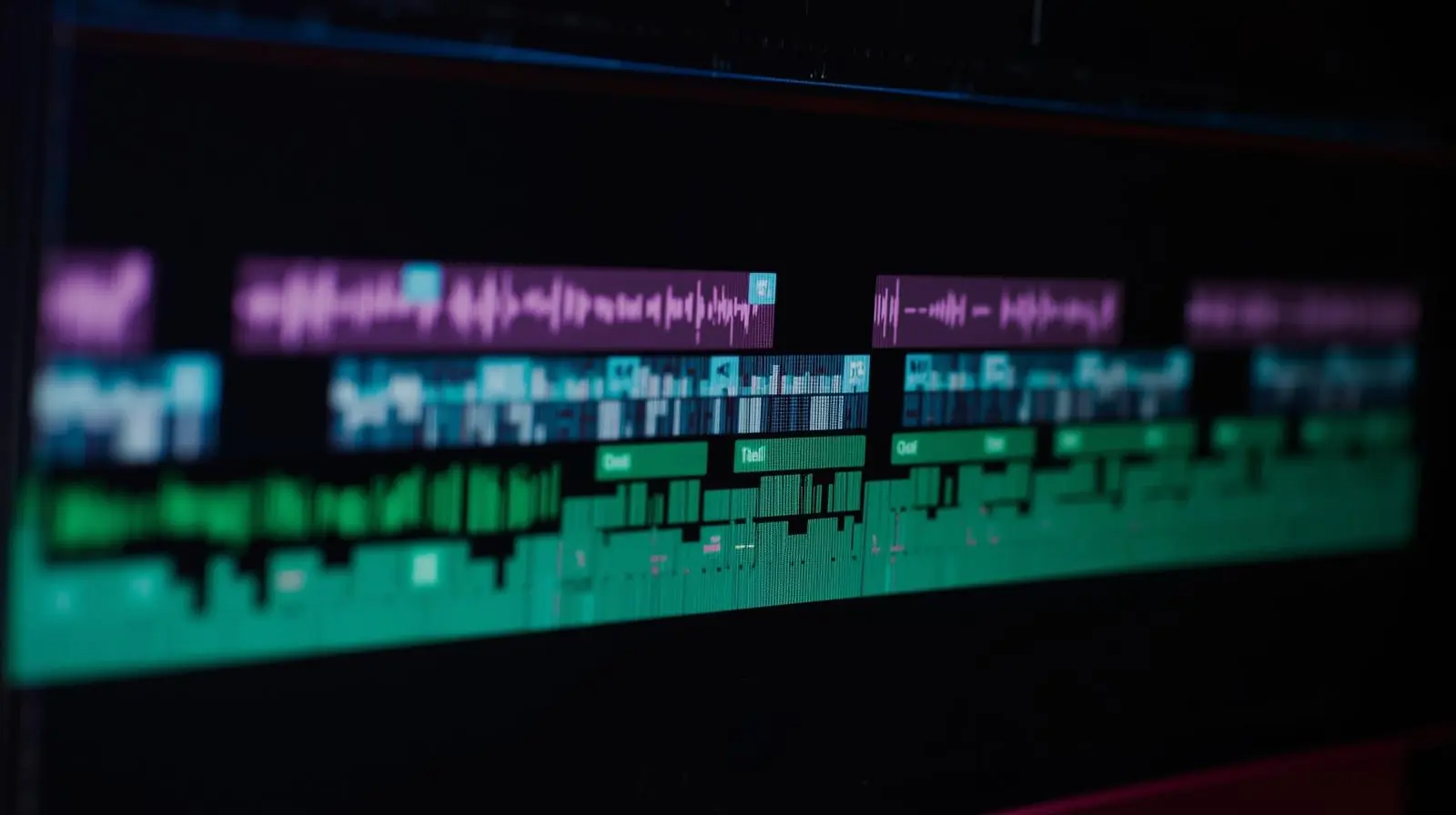
This process is non-destructive, meaning your original footage remains untouched no matter how many times you cut, trim, or apply effects. When you play back the final sequence, the NLE dynamically assembles the clips according to your instructions, instantly previewing your creative vision.
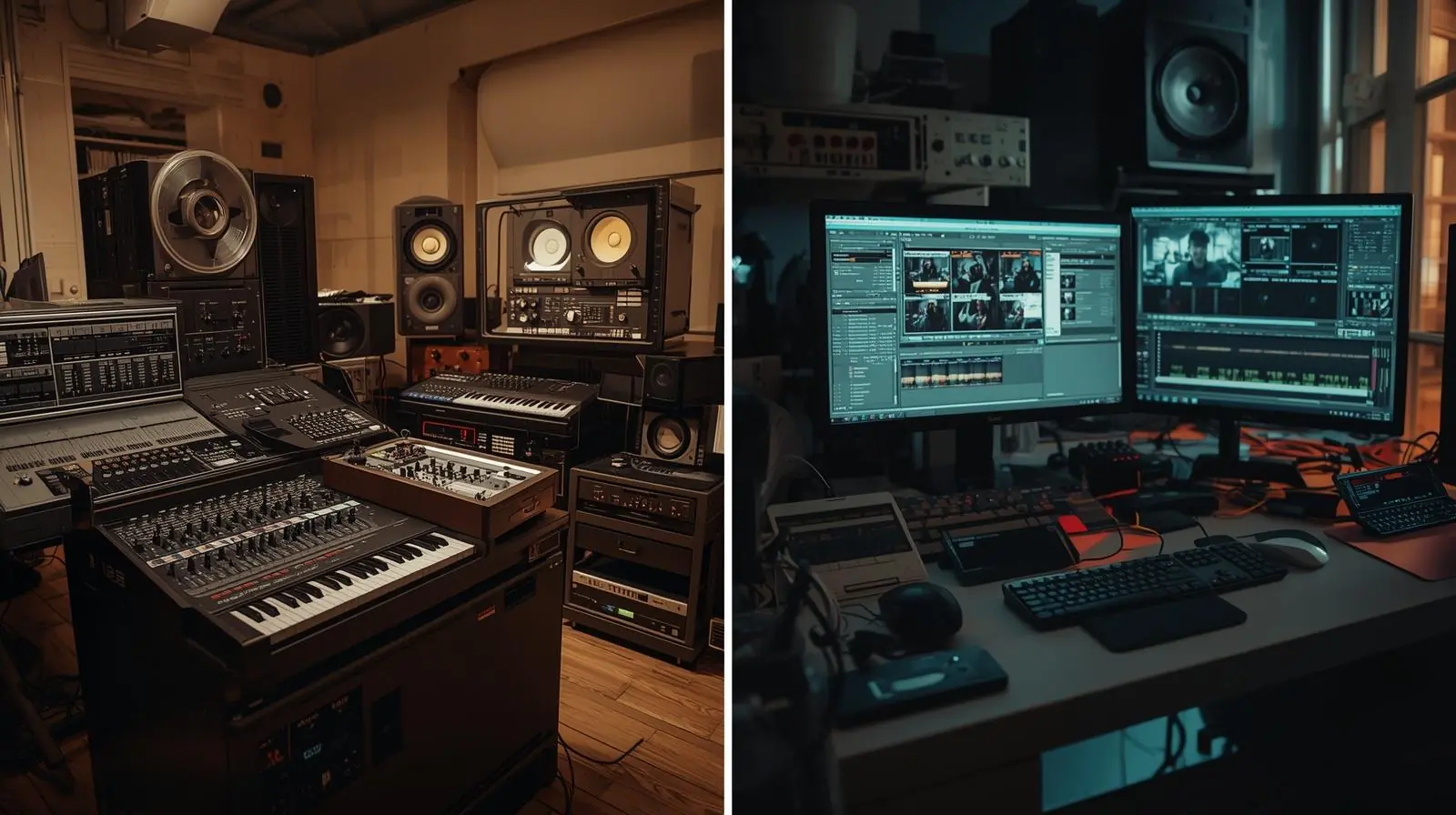
Linear vs. Non-Linear Editing: The Key Differences
| Feature | Linear Editing | Non-Linear Editing |
|---|---|---|
| Workflow | Sequential, step-by-step | Flexible, access any clip instantly |
| Media Handling | Physical tape or film | Digital files |
| Revisions | Difficult and time-consuming | Easy and non-destructive |
| Quality | Degrades with copies (generation loss) | Maintains original quality |
| Flexibility | Limited | Unlimited creative control |
With non-linear systems, editors can experiment freely, rearranging clips, testing effects, and fine-tuning pacing without worrying about damaging the source material. This flexibility makes NLEs the standard in modern video production.
The History and Evolution of NLE Systems
The journey from razor blades and film reels to digital timelines spans decades of innovation.
The Early Experiments
The concept of non-linear editing began in the 1970s, when engineers experimented with computer-controlled editing systems. Early prototypes could access footage stored on disk drives, but the technology was expensive and limited by slow hardware.
By the 1980s, video production giants began developing digital alternatives to tape editing. Systems like EditDroid and CMX-600 introduced the foundations of modern NLE, random access to clips and on-screen editing interfaces, but their high cost kept them out of reach for most editors.
The Digital Revolution
The late 1980s and early 1990s marked the birth of true digital NLEs. Companies like Avid launched software that could edit digital video files on computers, bringing nonlinear workflows into professional studios. Soon after, consumer-level options like Adobe Premiere and Final Cut Pro made advanced editing accessible to independent filmmakers and content creators.
As storage became cheaper and computers more powerful, NLEs evolved rapidly. Real-time playback, multi-track editing, colour correction, and audio tools transformed the editing process from a technical chore into a creative playground.
The Modern Era
Today, NLE software is more powerful and accessible than ever. Tools like DaVinci Resolve, Premiere Pro, Final Cut Pro X, and Avid Media Composer support high-resolution formats (4K, 8K, even 12K), advanced colour grading, motion graphics, and collaborative cloud workflows. What was once a specialised skill is now a cornerstone of the digital creative industry.
How Non-Linear Editing Systems Work
Understanding how NLEs function helps editors make the most of their capabilities.
The Core Workflow: Import, Edit, Export
-
Import (Ingest)
The process begins by importing or linking to your media, video clips, audio tracks, images, and graphics. Most NLEs allow you to organise files into folders or “bins,” making it easy to manage large projects. -
Edit (Assemble & Refine)
Editors drag clips onto a timeline, trim them, and arrange sequences. This is where transitions, titles, sound design, and effects come together. Because edits are non-destructive, you can revise endlessly without losing quality. -
Export (Render or Deliver)
Once the timeline is complete, the NLE processes your instructions and outputs the final video in your desired format, ready for broadcast, streaming, or social media.
The NLE Interface: What You’ll Find
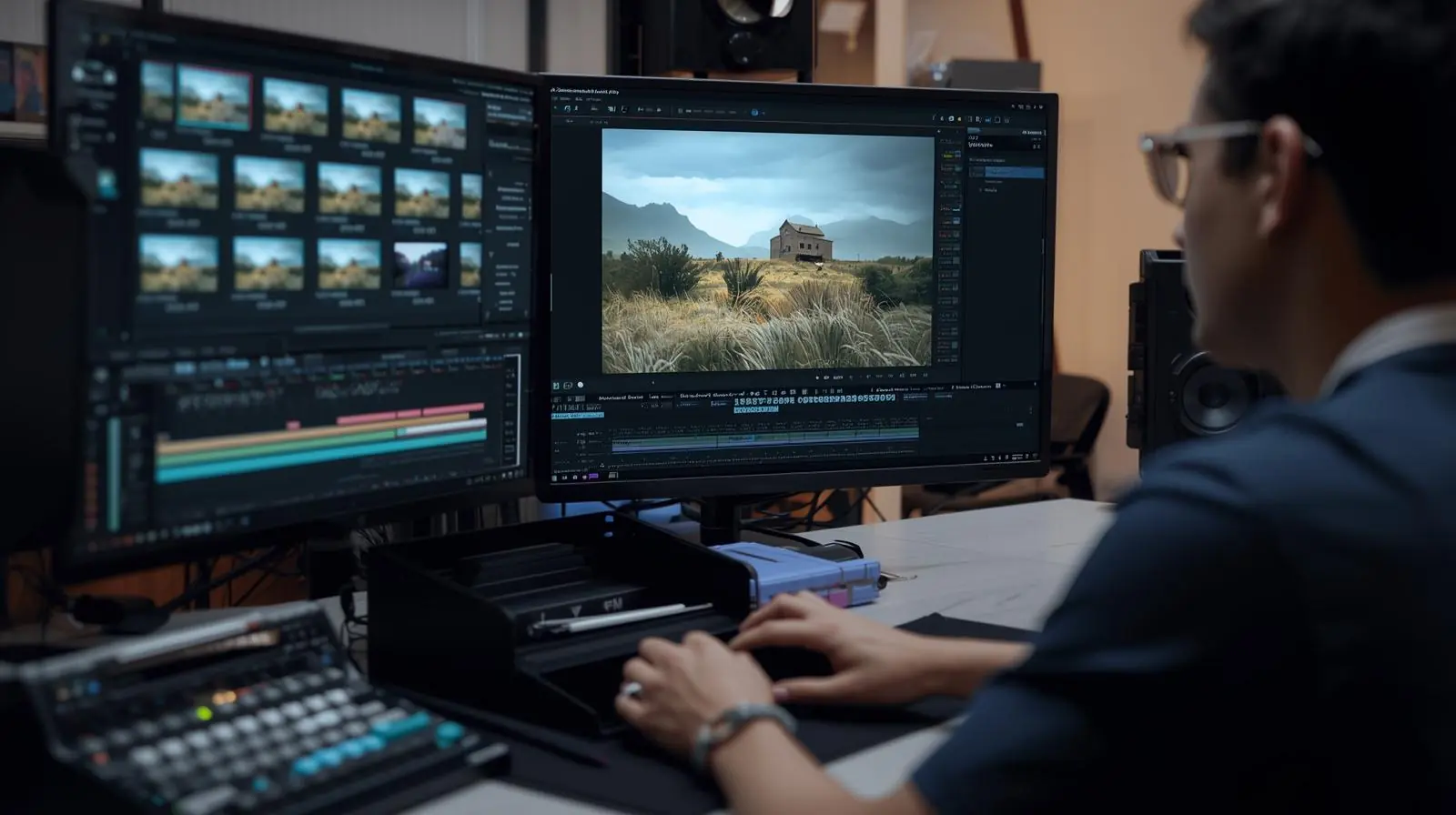
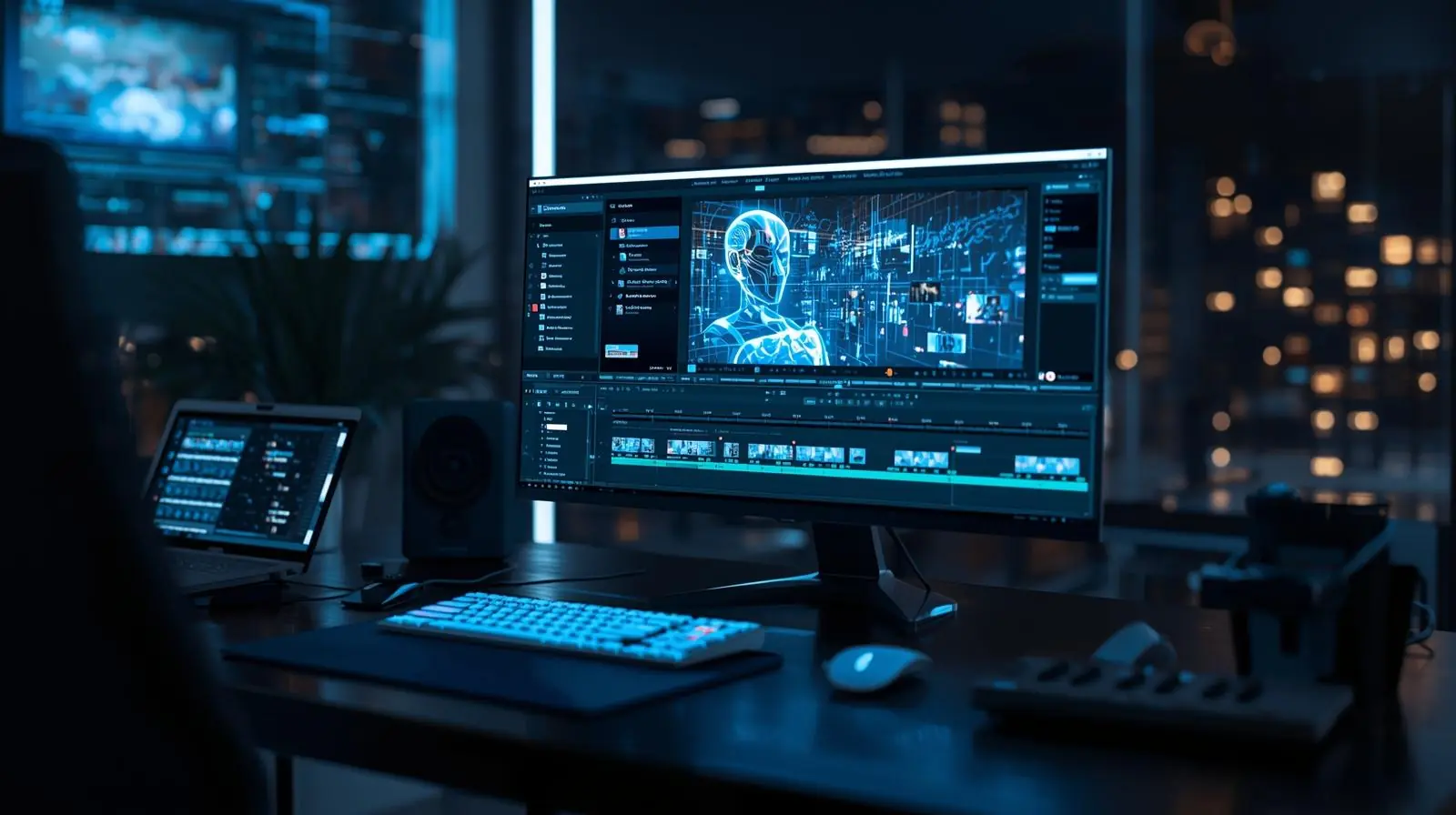
A typical NLE workspace includes several key panels:
-
Project/Media Browser: Where your imported assets are stored and organised.
-
Source Monitor: Used to preview and select portions of raw footage.
-
Timeline/Sequence Panel: The main editing area where clips are arranged.
-
Program Monitor: Displays your edited sequence.
-
Effects and Controls: Tools for applying transitions, colour correction, and audio adjustments.
This intuitive layout gives editors total control over timing, pacing, and visual storytelling.
Key Features of Modern NLE Software
Today’s NLEs go far beyond basic cutting and splicing. They are full production suites packed with advanced features:
-
Multi-track editing: Layer multiple video and audio tracks for complex scenes.
-
Multicam editing: Synchronise footage from multiple cameras and switch angles seamlessly.
-
Color grading and correction: Fine-tune colour balance, exposure, and contrast for cinematic looks.
-
Motion tracking and stabilisation: Fix shaky shots and apply effects to moving subjects.
-
Visual effects and compositing: Combine live action and graphics in real time.
-
Audio mixing and mastering: Balance dialogue, music, and effects for professional sound.
-
Proxy editing: Use lower-resolution versions of footage to edit faster, then relink to full-resolution files for final output.
-
Collaboration tools: Allow multiple editors to work on the same project, even remotely.
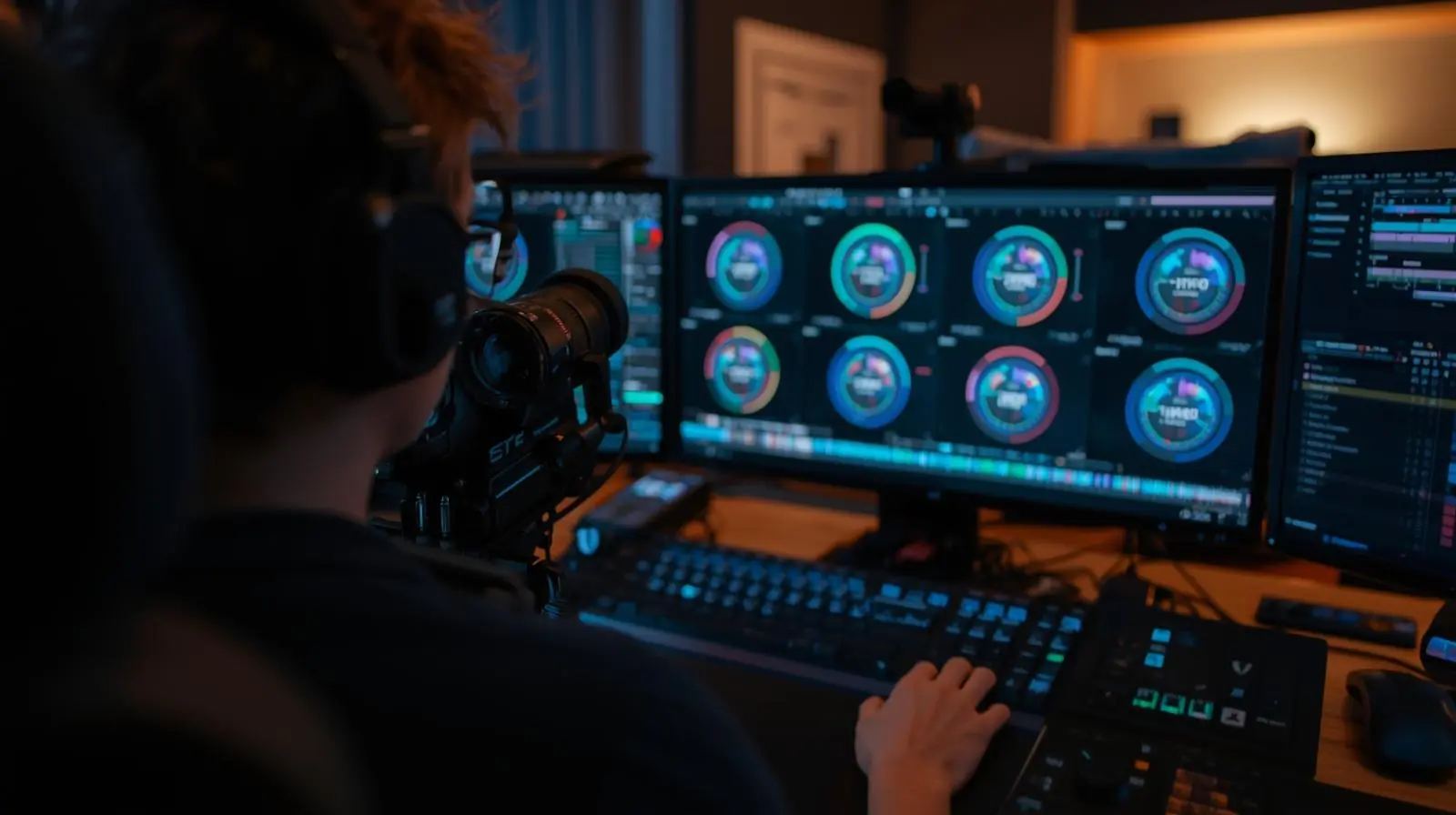
These capabilities make NLEs essential not just for editors, but for an entire production ecosystem, colorists, sound designers, and visual effects artists.
Benefits of Non-Linear Editing Systems
1. Flexibility and Creative Freedom
The biggest advantage of NLEs is their flexibility. Editors can jump to any point in the timeline, rearrange scenes, and experiment without limitation. You can test multiple versions of a sequence, undo mistakes instantly, and try creative ideas that would be impossible with tape-based systems.
2. Non-Destructive Workflow
Because the NLE never alters the source files, editors can always return to the original media. This non-destructive approach ensures maximum safety, quality, and confidence throughout the project.
3. Speed and Efficiency
With instant access to any frame, editing time is drastically reduced. Combined with keyboard shortcuts, real-time previews, and background rendering, NLEs allow editors to deliver projects faster than ever.
4. Scalability and Collaboration
Whether you’re editing a short social clip or a feature film, NLEs scale easily. Shared projects, cloud storage, and collaborative tools let teams work together across different locations without losing sync.
5. Quality Preservation
Digital NLEs eliminate generation loss, the degradation that occurs when copying analogue tapes. Each export maintains the pristine quality of the original footage, regardless of how many revisions you make.
Common Challenges of Using NLE Systems
Despite their power, NLEs come with some challenges that editors must manage:
-
Hardware Requirements: High-resolution editing demands fast processors, powerful GPUs, and large storage.
-
Learning Curve: Professional software can be complex, requiring time and practice to master.
-
File Management: Poor organisation can lead to missing media or broken project links.
-
Render Times: Heavy effects or long sequences may require significant processing power.
-
Compatibility Issues: Mixing codecs and formats can cause playback or export problems.
Fortunately, most of these issues can be mitigated through proper planning, good file organisation, and optimised workflows.
Real-World Applications of NLE Systems
Non-linear editing is everywhere across industries and content types:
-
Film and Television: From Hollywood features to indie documentaries, NLEs are the heart of post-production.
-
Broadcast and News: Fast turnaround and live-to-air edits rely heavily on non-linear workflows.
-
Advertising and Marketing: Brands use NLEs to craft attention-grabbing commercials and social media videos.
-
Online Content Creation: YouTubers, streamers, and influencers use NLEs for quick, professional video production.
-
Education and Training: Schools and training centres teach NLE software as a core digital skill.
-
Corporate and Event Videography: From weddings to conferences, NLEs make it easy to produce polished final edits.
No matter the field, NLEs provide the speed, flexibility, and creative freedom required for modern storytelling.
The Future of Non-Linear Editing Systems
The evolution of NLEs shows no signs of slowing. Several key trends are shaping their future:
-
AI-Assisted Editing: Artificial intelligence is beginning to automate repetitive tasks like shot selection, colour matching, and sound balancing. Soon, editors will use AI tools as creative collaborators, not just assistants.
-
Cloud-Based Workflows: Remote editing and real-time collaboration are becoming the norm, allowing teams to work from anywhere.
-
Real-Time Rendering: Faster processors and GPU advancements are bringing near-instant playback and exports.
-
Mobile and Cross-Device Editing: NLEs are extending to tablets and mobile devices, letting creators edit on the go.
-
Smarter Media Management: Metadata tagging and AI-driven search tools help editors organise and find footage effortlessly.
These innovations are making editing faster, smarter, and more collaborative empowering creators to focus on what matters most: storytelling.
Best Practices for Working with NLEs
To make the most of your non-linear editing system:
-
Keep your media organised in clearly labelled folders.
-
Use proxy files for large, high-resolution footage.
-
Regularly back up your projects and assets.
-
Learn keyboard shortcuts to speed up editing.
-
Save versions frequently to track progress.
-
Color-grade at the end for consistent visuals.
-
Pre-render complex effects to improve playback.
-
Maintain clear file structures when collaborating.
Good organisation and workflow discipline are just as important as creative skill.
Conclusion: The Creative Freedom of Non-Linear Editing
Non-linear editing systems have completely redefined how video stories are told. By freeing editors from the limits of linear workflows, NLEs enable creativity, speed, and precision in ways that were once impossible.
From a solo YouTuber cutting their first vlog to a major film studio finishing a blockbuster, the principles are the same, organise your media, experiment fearlessly, and trust the flexibility of your digital timeline.
If you haven’t yet explored an NLE, now’s the perfect time. Download a free or trial version, start cutting, and experience firsthand the creative power of non-linear editing. The tools are ready all you need is your story.
Planning a project? Call 0300 8467101, email info@mediaksolutions.com or request a quote.