The Ultimate Guide to Professional Editing Software for Creators and Businesses
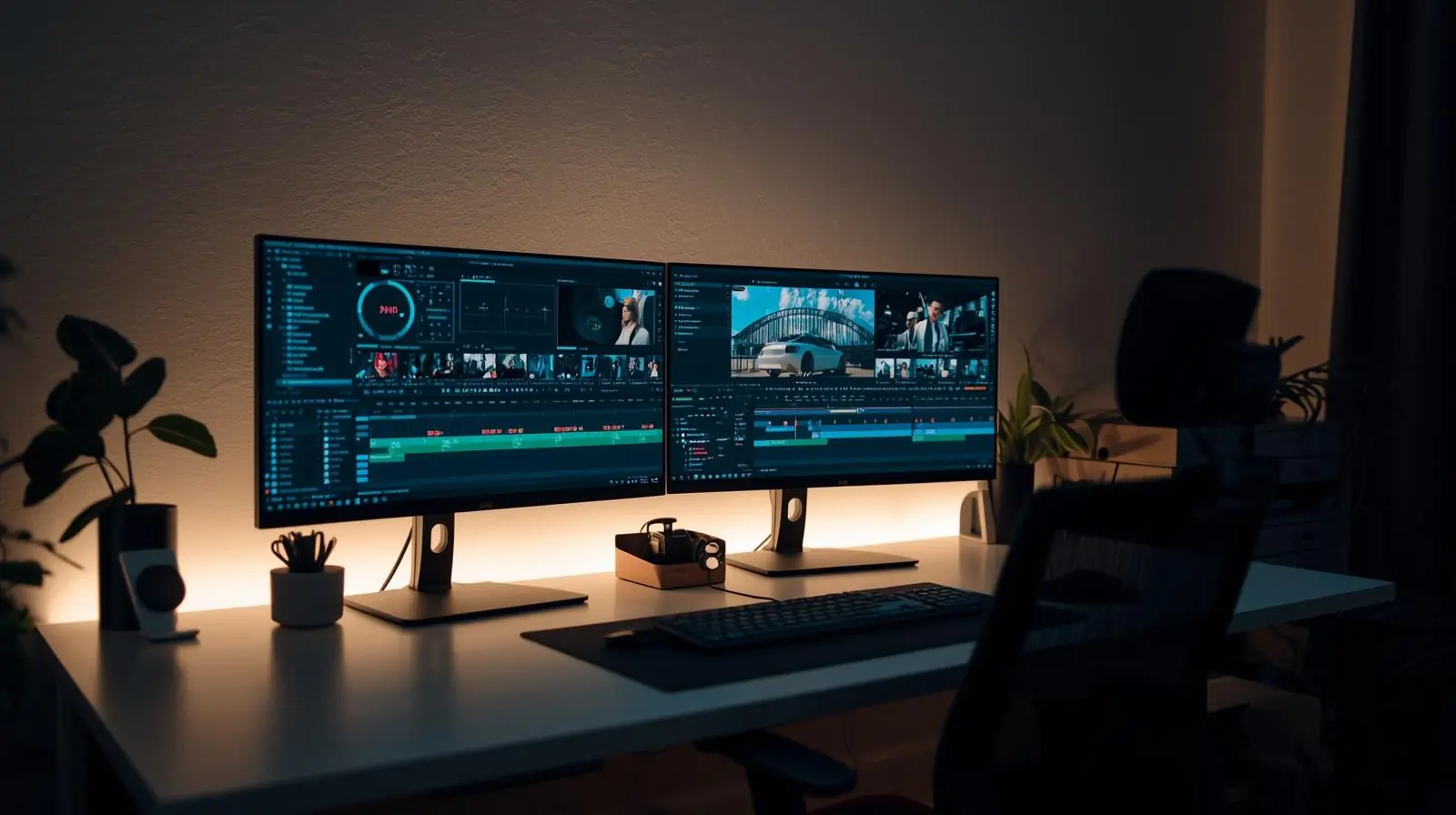
In today’s fast-paced digital landscape, professional editing software has become essential for content creators, marketers, filmmakers, and businesses. Whether you’re producing a high-budget commercial, crafting engaging YouTube videos, or refining brand visuals, the quality of your editing can define the success of your content.
The right tools help streamline the creative process, enhance productivity, and deliver visually stunning results that captivate audiences. But with so many options available, each with unique strengths, it’s vital to understand what makes professional editing software stand out and how to choose the best one for your needs.
This comprehensive guide explores the top professional editing tools, their key features, advantages, and how they can elevate your creative workflow.
What Is Professional Editing Software?
Professional editing software refers to advanced digital tools used for manipulating, enhancing, and producing visual or audio content. Unlike basic or entry-level editors, these tools offer precise control, superior quality, and scalability for large projects.
They cater to a range of creative industries including film production, social media content creation, corporate branding, and digital marketing.
Core Functions of Professional Editing Tools
-
Video and Audio Editing: Cutting, trimming, and syncing footage with precision.
-
Color Correction and Grading: Enhancing visual tone and mood with colour tools.
-
Special Effects and Motion Graphics: Adding animations, transitions, and visual flair.
-
Multicam and 3D Editing: Advanced features for film and high-end productions.
-
Collaboration Tools: Enabling teams to work seamlessly across different environments.
These features help professionals create polished, engaging content that reflects brand identity and creative vision.
Why You Need Professional Editing Software
Choosing professional-grade editing software can make all the difference between amateur and studio-quality results. Here’s why professionals across industries rely on these tools:
-
Precision and Control: Fine-tune every frame, transition, or effect.
-
Efficiency: Advanced automation and rendering tools save valuable time.
-
Integration: Works seamlessly with other creative suites and digital platforms.
-
Scalability: Handles high-resolution formats like 4K, 8K, and HDR.
-
Creative Freedom: Offers endless customisation with plugins, effects, and templates.

From corporate videos to cinematic storytelling, these programs empower creators to achieve professional-grade output that resonates with audiences.
Top Professional Editing Software in 2025
Let’s explore the most powerful and widely used professional video editing software dominating the creative industry today.
1. Adobe Premiere Pro
Adobe Premiere Pro remains the industry standard for professional video editing. Known for its versatility and integration with the Adobe Creative Cloud ecosystem, it caters to filmmakers, video editors, and social media creators.
Key Features:
-
Nonlinear editing interface for intuitive workflow
-
Seamless integration with After Effects, Photoshop, and Audition
-
AI-powered features like Auto Reframe and Scene Edit Detection
-
Extensive plugin and preset library
-
Support for virtually all media formats
Why It’s Popular:
Premiere Pro’s balance of power, flexibility, and collaboration tools makes it ideal for large productions and creative agencies. It’s widely used in Hollywood, advertising, and content marketing.
2. Final Cut Pro
Apple’s Final Cut Pro is a powerhouse designed for macOS users who demand speed and precision. Known for its Magnetic Timeline and smooth rendering performance, it offers a streamlined editing experience without sacrificing professional control.
Key Features:
-
Magnetic Timeline for faster, intuitive editing
-
Advanced colour grading and HDR support
-
360° video and 3D title editing capabilities
-
Machine learning for smart noise reduction and shot detection
-
Optimised for Apple Silicon (M-series) chips
Why Professionals Choose It:
Final Cut Pro is perfect for Mac users seeking a fast, efficient, and visually driven editing experience. It’s favoured by YouTubers, filmmakers, and creative studios who value high-quality results with minimal lag.
3. DaVinci Resolve Studio
DaVinci Resolve is renowned for its colour grading and post-production excellence. It combines editing, colour correction, visual effects, and audio post-production into one powerful platform.
Key Features:
-
Industry-leading colour grading tools
-
Fairlight audio suite for professional sound mixing
-
Fusion visual effects and motion graphics
-
Collaborative multi-user workflows
-
Support for 8K and HDR projects
Why It Stands Out:
Resolve is a one-stop solution for film professionals who need complete control from start to finish. Its free version offers remarkable capabilities, while the Studio edition adds advanced features for commercial use.
4. Avid Media Composer
A trusted name in professional film and broadcast production, Avid Media Composer is built for large-scale, collaborative environments.
Key Features:
-
Industry-grade timeline and bin organisation
-
Real-time collaboration for editing teams
-
Precision trimming and multicam editing
-
Advanced media management for large projects
-
Seamless integration with Pro Tools for audio
Why It’s Industry Standard:
Used in Hollywood and television studios worldwide, Avid Media Composer is the go-to tool for editors working on complex narratives and long-form content.
5. VEGAS Pro
VEGAS Pro (formerly Sony VEGAS) offers professional editing and compositing capabilities with a user-friendly interface. It’s popular among independent creators and professionals who need flexibility and affordability.
Key Features:
-
Real-time video stabilisation and motion tracking
-
Advanced audio editing with built-in effects
-
AI-driven features for upscaling and noise reduction
-
HDR colour support
-
Integration with third-party plugins
Why It’s a Strong Choice:
VEGAS Pro provides powerful tools without the steep learning curve of other high-end software. It’s ideal for YouTubers, educators, and freelancers producing commercial-quality content.
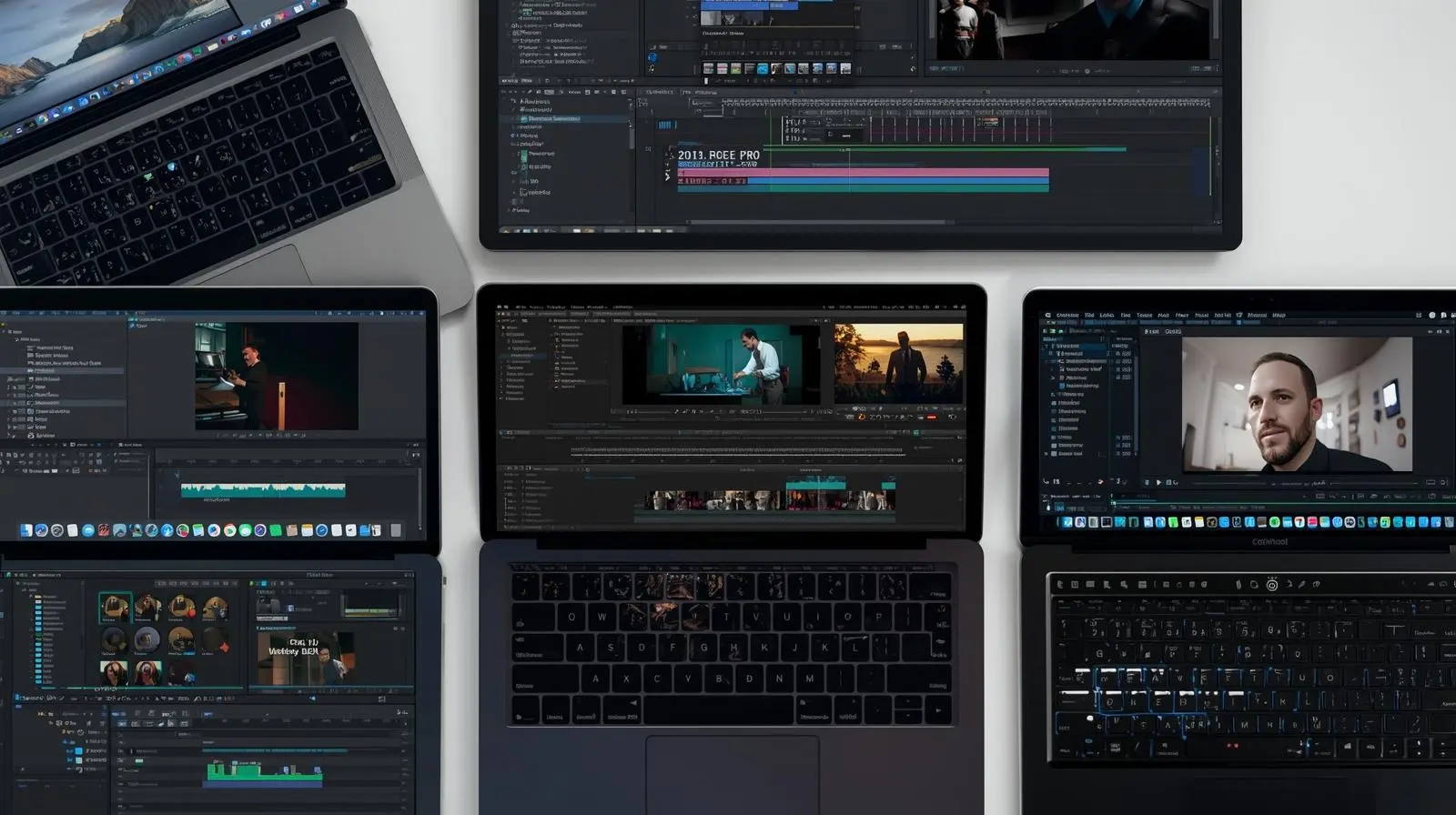
Specialised Professional Editing Software
While general-purpose editors dominate the market, several specialised tools cater to specific needs within the creative process.
1. Adobe After Effects (for Motion Graphics and Visual Effects)
Used extensively for animation, compositing, and visual storytelling, After Effects complements tools like Premiere Pro by adding motion graphics, titles, and dynamic transitions.
2. Logic Pro and Adobe Audition (for Audio Post-Production)
Professional editors often pair video tools with audio editing software for flawless sound design. Logic Pro (Mac) and Audition (cross-platform) offer mixing, mastering, and sound restoration capabilities.
3. Blender (for 3D and VFX Integration)
Blender has evolved into a robust open-source tool for 3D animation, modelling, and compositing, often integrated into editing pipelines for complex visual effects.
Choosing the Right Professional Editing Software
Selecting the best professional editing software depends on your workflow, hardware, and production goals. Here’s a quick breakdown to guide your decision:
| Use Case | Recommended Software |
|---|---|
| Film and TV Production | Avid Media Composer, DaVinci Resolve |
| YouTube and Social Media | Premiere Pro, Final Cut Pro, VEGAS Pro |
| Motion Graphics & VFX | After Effects, Blender |
| Corporate and Marketing Videos | Premiere Pro, Final Cut Pro |
| Audio Post-Production | Adobe Audition, Logic Pro |
Key Considerations Before Choosing
-
System Compatibility: Ensure your software runs efficiently on your hardware.
-
Budget: Subscription vs. one-time license. choose based on long-term value.
-
Collaboration Needs: For teams, cloud-based or multi-user support is crucial.
-
Learning Curve: Some programs are more intuitive, while others require training.
-
Output Quality: Consider your target formats (social media, film, broadcast).
By evaluating these factors, you can invest in a solution that maximises both creativity and efficiency.
The Future of Professional Editing Software
The landscape of video and photo editing software is evolving rapidly with artificial intelligence, automation, and cloud integration leading the way. Features like AI-powered editing assistants, automated colour matching, and real-time collaboration tools are redefining post-production workflows.

Cloud-based editing platforms are making remote teamwork more accessible, while machine learning helps automate repetitive tasks, allowing editors to focus on creativity. Expect future software to deliver smarter, faster, and more connected editing experiences.
Conclusion: Elevate Your Creative Vision with Professional Editing Tools
In the competitive digital world, high-quality content is no longer optional, it’s essential. Investing in professional editing software can dramatically improve the efficiency, consistency, and impact of your creative output.
Whether you’re a filmmaker perfecting cinematic colour grading, a marketer producing brand videos, or a YouTuber growing your channel, the right editing tools can transform your vision into reality.
Explore your options, experiment with free trials, and find the software that complements your creative style. The right platform will not only enhance your technical workflow but also amplify your storytelling power.
Ready to elevate your editing game? Start with one of the top professional editing software solutions and create content that captivates, converts, and inspires.
Planning a project? Call 0300 8467101, email info@mediaksolutions.com or request a quote.