XLR Cables: The Professional Standard for Clear, Reliable Audio
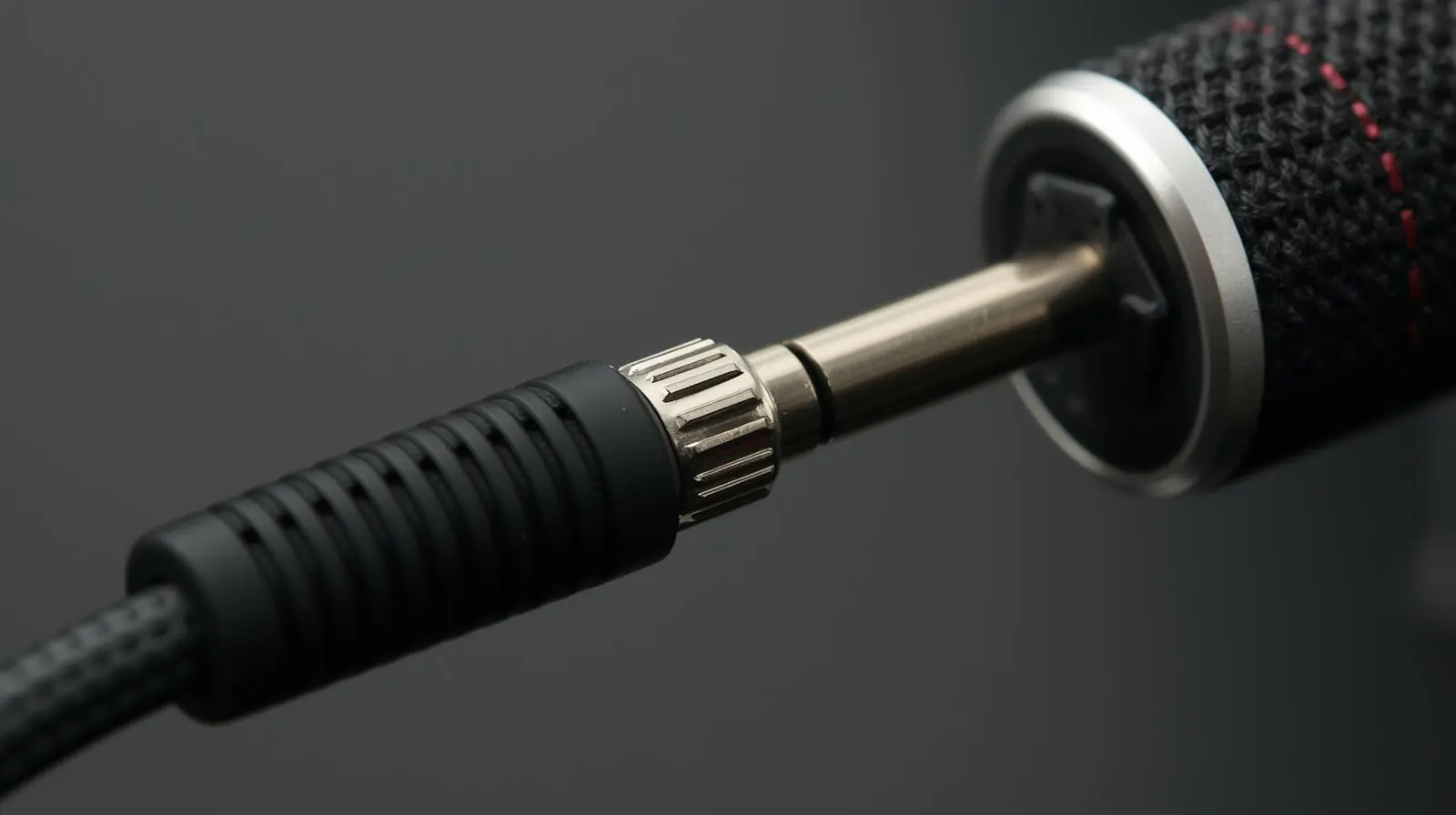
In professional audio, few components are as essential as the XLR cable. Whether you are setting up a recording studio, managing a live performance, or connecting microphones for a podcast, XLR cables play a critical role in maintaining clean and reliable sound. Despite being such a fundamental part of every audio system, XLR cables are often misunderstood or overlooked.
This guide explains what XLR cables are, how they work, the different types available, and what to consider when choosing one. You will also learn about their key advantages, best practices for use, and common troubleshooting tips. If you want to improve your sound quality and ensure long-lasting performance from your setup, understanding XLR cables is the perfect place to start.
What Is an XLR Cable?
Definition and Purpose of XLR Cables
An XLR cable is a type of balanced audio cable commonly used in professional recording, live sound, and broadcast applications. The term “XLR” refers to the type of connector at the ends of the cable. It is circular, features three or more pins, and includes a locking mechanism that prevents accidental disconnection.
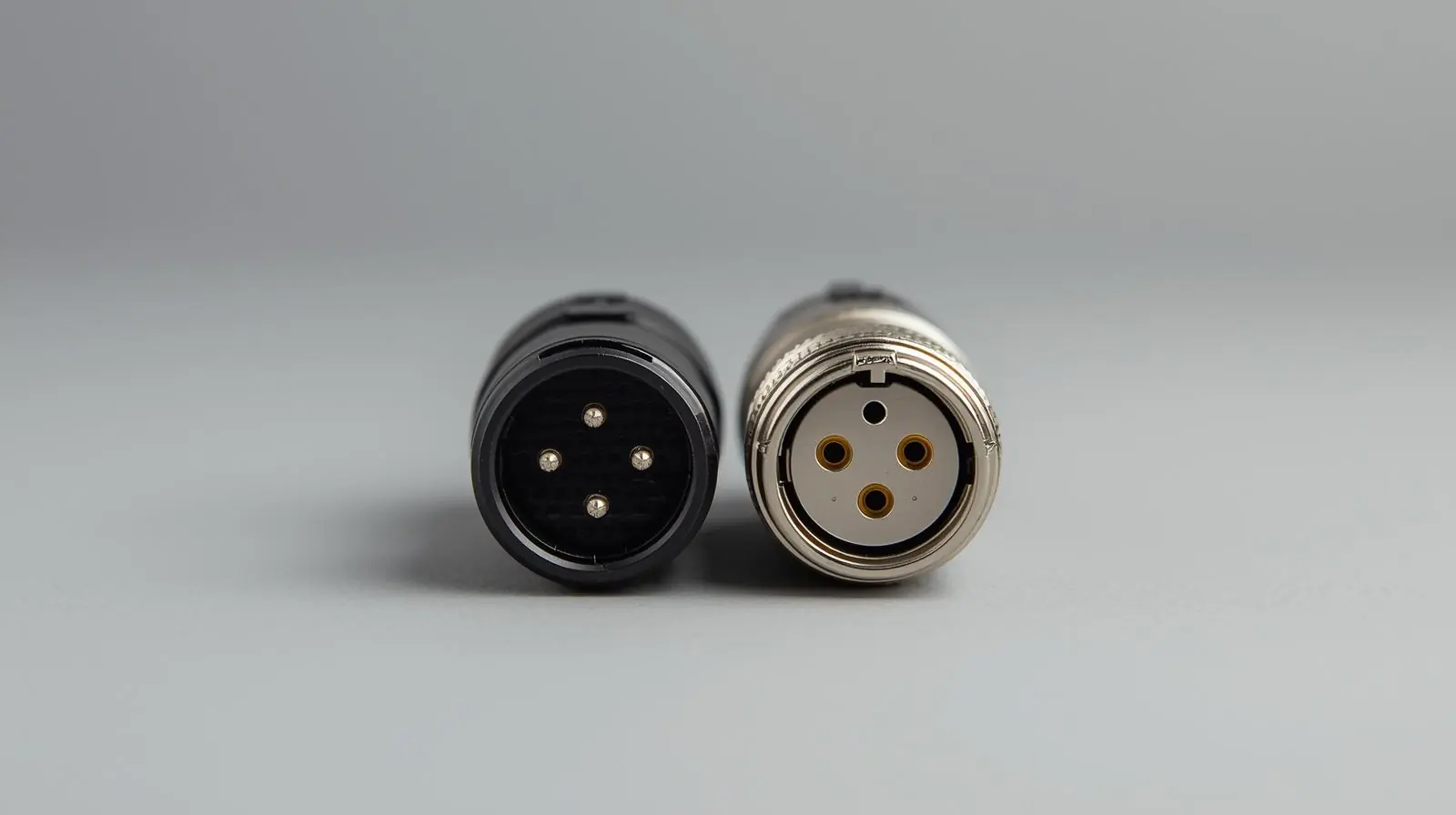
The most common XLR cable is the 3-pin XLR, used to connect microphones, audio interfaces, mixers, and studio monitors. These cables are designed to carry balanced signals, which significantly reduces noise and interference, even over long distances.
Why Balanced Audio Matters
Balanced audio uses three conductors inside the cable. Two carry the same audio signal but with opposite polarity, while the third acts as a ground or shield. When the signal reaches its destination, the inverted copy is flipped back into phase, and any noise that was introduced along the way is cancelled out.
This design is what makes XLR cables ideal for professional environments where cables often run near lighting systems, power sources, or other equipment that can introduce interference. The result is a clean, noise-free audio signal that maintains its quality from source to destination.
Anatomy of an XLR Cable
The XLR Connector
XLR connectors come in male and female versions. The male connector sends the signal, while the female connector receives it. The most common format is the 3-pin XLR, but there are also 4-pin, 5-pin, 6-pin, and 7-pin variations for specialised uses.
Here’s a quick overview of common pin types:
-
3-pin: Standard for audio signals such as microphones and line-level connections.
-
4-pin: Used for intercom systems and certain power connections.
-
5-pin: Found in DMX lighting and some stereo microphone setups.
-
6-pin and 7-pin: Used in niche applications that combine power and audio or transmit multiple channels.
Each connector features a latch to secure the connection, ensuring it cannot be pulled out accidentally during a performance or recording.
Internal Cable Structure
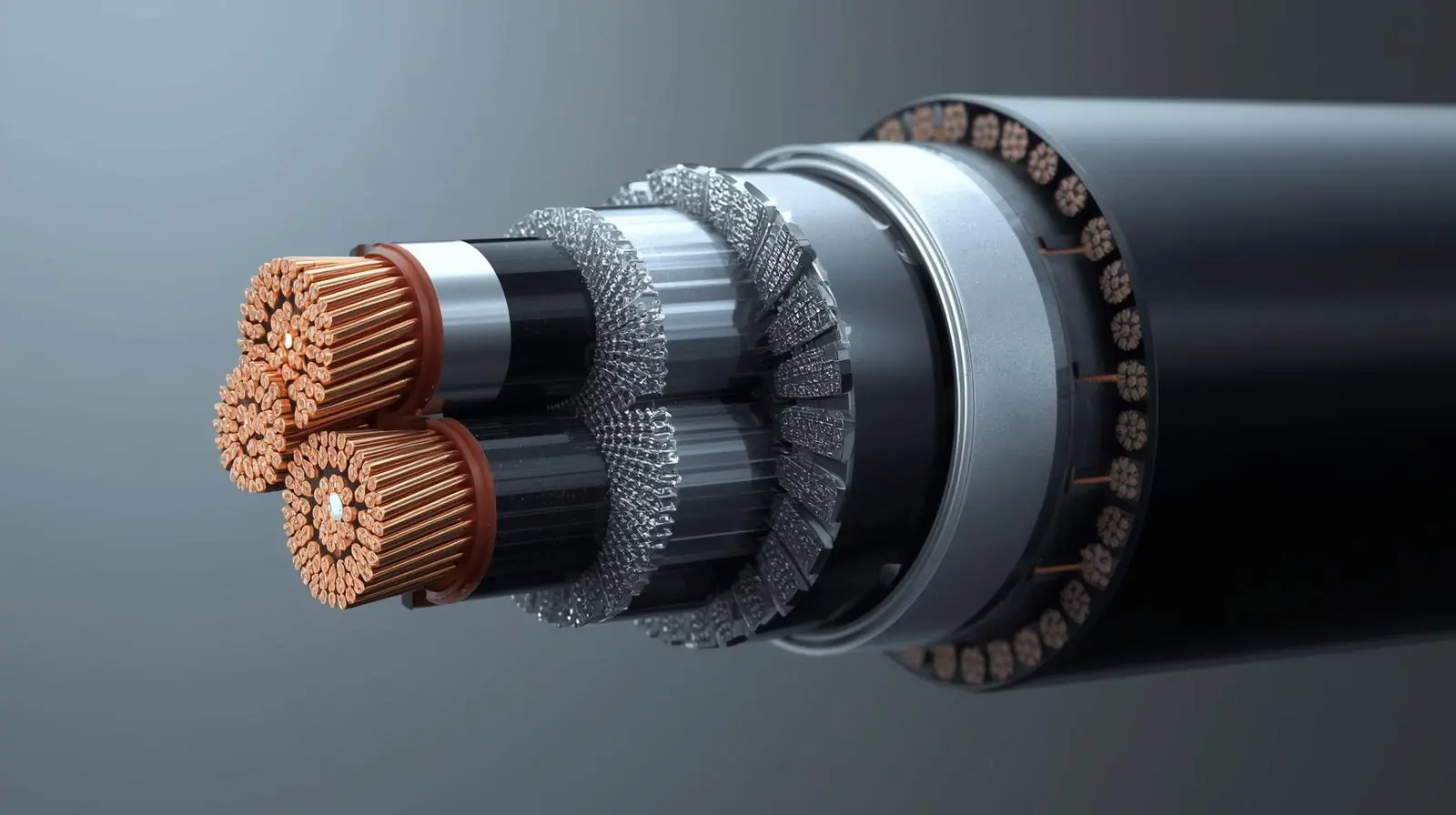
Inside an XLR cable are several important components:
-
Two signal conductors: Carry the positive and negative versions of the same audio signal.
-
Shield or ground wire: Protects the signal from external interference.
-
Insulation: Separates the internal conductors to prevent short circuits.
-
Outer jacket: Provides durability and flexibility for repeated use.
Some high-end cables use additional shielding layers or star-quad designs, which twist the conductors in a special pattern to further reduce electromagnetic noise.
Common Uses for XLR Cables
Microphones and Studio Applications
In recording studios, XLR cables are primarily used to connect microphones to audio interfaces, preamps, and mixers. These cables also carry phantom power (48 volts) required by condenser microphones.
Other studio uses include:
-
Connecting outboard gear such as compressors and equalisers.
-
Sending balanced line-level signals between devices.
-
Hooking up studio monitors to audio interfaces for clean playback.
Live Sound and Stage Applications
In live performance environments, XLR cables are everywhere. They are used to connect:
-
Microphones to mixing consoles.
-
Stage boxes and snakes to route signals across large venues.
-
Signal processors, amplifiers, and monitors.
Because they are durable and lock securely, XLR cables are perfect for situations where cables might be moved or stepped on frequently.
Broadcast and Theater
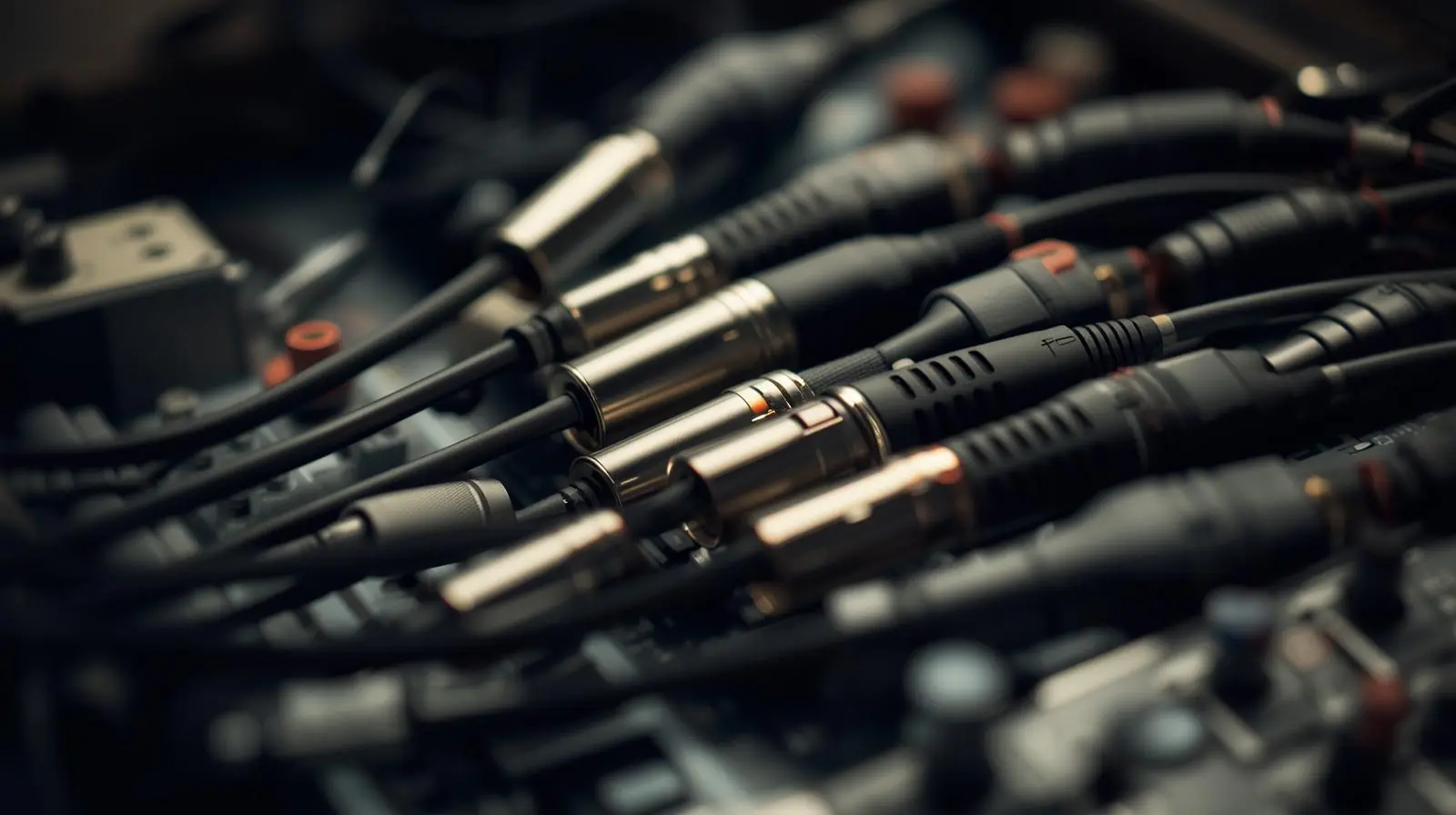
In broadcast setups, XLR cables are used for clear communication and consistent sound quality. In theatre and film production, they are often used for audio feeds, intercom systems, and lighting control through DMX, which typically uses a 5-pin XLR configuration.
Choosing the Right XLR Cable
Not all XLR cables are created equal. Choosing the right one can make a big difference in sound quality and reliability.
1. Cable Length
The longer the cable, the greater the chance of signal loss and interference. While balanced XLR cables handle long runs better than unbalanced cables, it is still best to use the shortest length necessary for your setup. For very long runs, choose high-quality cables with thicker conductors.
2. Shielding Quality
Shielding prevents external noise from entering the signal path. There are three main types:
-
Foil shielding: Offers full coverage and good protection against high-frequency interference.
-
Braided shielding: Provides strong durability and flexibility.
-
Combination shielding: Uses both foil and braid for maximum noise rejection.
For environments with high electrical interference, such as concert venues or recording studios, combination shielding is ideal.
3. Conductor Material
Most quality XLR cables use oxygen-free copper (OFC) for their conductors. This material provides better conductivity, lower resistance, and longer lifespan. Silver-plated copper can offer slightly better performance but comes at a higher cost.
4. Connector Durability
The connectors themselves are one of the most common points of failure. Look for connectors made from durable metal with proper strain relief to prevent the internal wires from bending or breaking. Gold-plated contacts resist corrosion and provide a more reliable electrical connection over time.
5. Flexibility and Build Quality
If you frequently coil, uncoil, or transport your cables, flexibility is key. A high-quality rubber or PVC outer jacket ensures the cable can withstand repeated handling without damage.
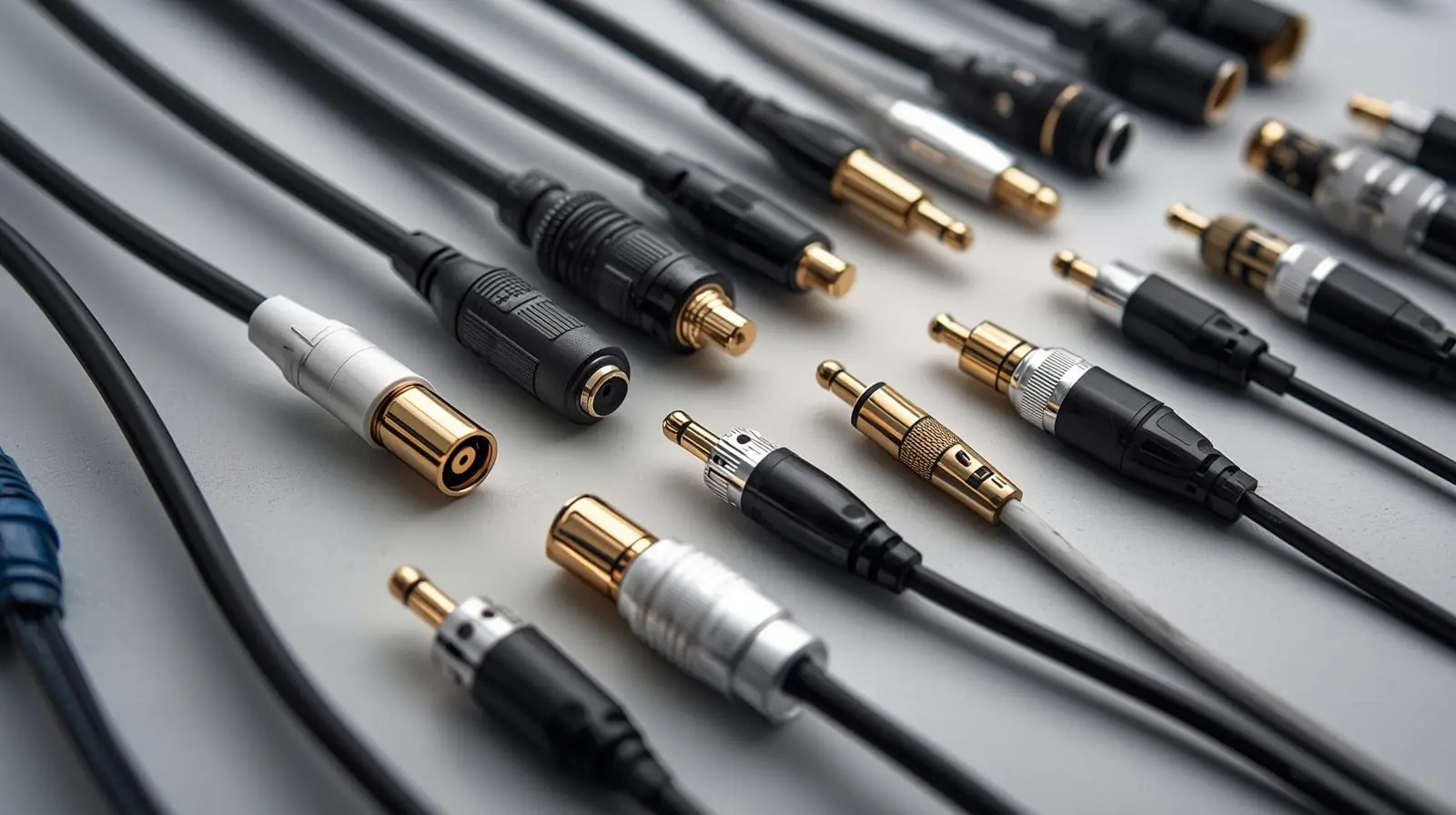
6. Balanced vs. Unbalanced
XLR cables are inherently balanced, while connectors like RCA or TS are unbalanced. Balanced cables cancel noise more effectively, making them the superior choice for professional audio setups or any situation requiring long cable runs.
Best Practices for Using XLR Cables
To get the most out of your XLR cables and extend their lifespan, follow these best practices:
-
Keep cables as short as possible without strain.
-
Avoid running audio cables parallel to power cables.
-
Coil cables properly using the over-under method.
-
Do not pull on the cable when disconnecting; grip the connector instead.
-
Label cables for easy identification in complex setups.
-
Regularly inspect and test cables for continuity and shorts.
-
Store cables in a dry, dust-free environment.
Following these steps helps maintain sound quality and prevents common issues such as crackling, hum, or signal dropouts.
Troubleshooting Common XLR Cable Problems
Even the best cables can develop issues over time. Here are some common problems and solutions:
| Problem | Symptoms | Likely Cause | Fix |
|---|---|---|---|
| Hum or buzzing | Audible low-frequency noise | Ground loop or broken shield | Check grounding and shielding |
| No signal | Complete silence | Loose connection or damaged wire | Test continuity and repair |
| Intermittent sound | Signal cuts in and out | Frayed cable or poor solder joint | Replace or resolder connector |
| Distorted audio | Harsh or weak sound | Phase issue or reversed polarity | Swap pins 2 and 3 |
| Crackling noise | Random static | Dirty or corroded connectors | Clean contacts and inspect plugs |
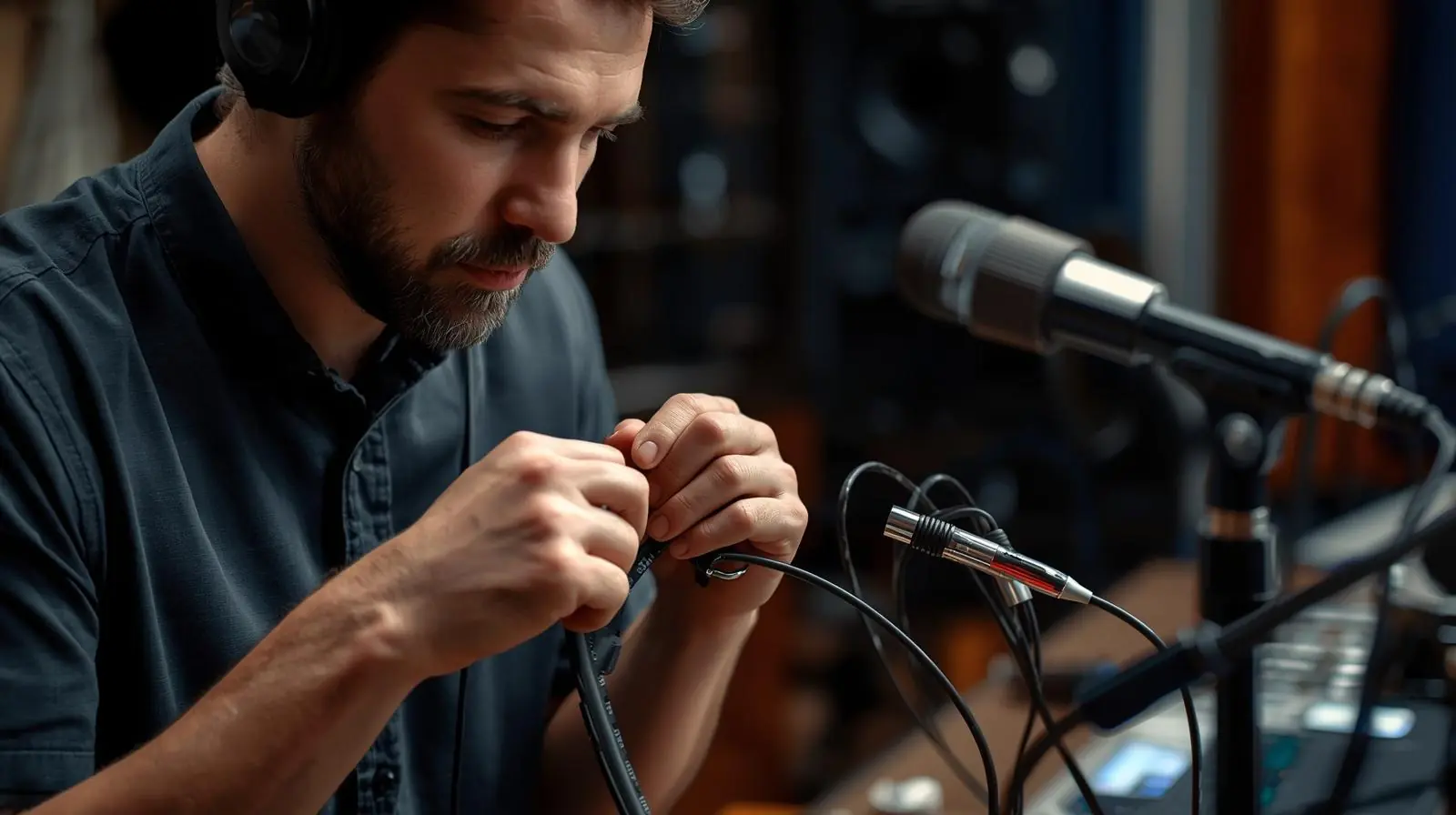
Having a cable tester or multimeter makes it easy to verify each pin and quickly identify the issue.
Conclusion
XLR cables are the backbone of professional audio. Their balanced design ensures clean, interference-free sound, making them the go-to choice for microphones, studio monitors, and live sound systems. Understanding how they work, what makes a quality cable, and how to maintain them will help you achieve clear, consistent audio across every project.
When choosing your next XLR cable, focus on build quality, shielding, and the right length for your setup. Invest once in reliable cables, and you will enjoy years of crisp, noise-free performance.
If you are building a studio, setting up a live sound system, or simply looking to upgrade your connections, start with your XLR cables. The quality of your signal chain depends on them.
Planning a project? Call 0300 8467101, email info@mediaksolutions.com or request a quote.